New York City / Commercial AV
AV Company in New York
Manhattan-based commercial AV company designing, installing and integrating conference rooms, offices and enterprise AV across the five boroughs.
As Featured In





Coverage of projects delivered by D.I.S.T., the company behind AV Company New York.
AV Company New York is a Manhattan-based audio visual company and commercial AV integrator. We design, install and support conference rooms, video walls and meeting technology that simply work for New York businesses.
Our Commercial AV Solutions
Conference Room AV
Rooms that start in one touch and sound right on every call.
Explore roomsAV Integration
Design to commissioning, under one accountable team.
How we integrateTeams & Zoom Rooms
Certified room systems, provisioned with your IT team.
See platformsVideo Walls & Displays
LED walls and displays for lobbies and town halls.
View wallsService & Support
Monitoring, updates and on-site service after handover.
Let's talkQuestions about working with us? We're happy to walk you through it.
From first site walk to handover, one New York team plans, installs and supports your rooms.
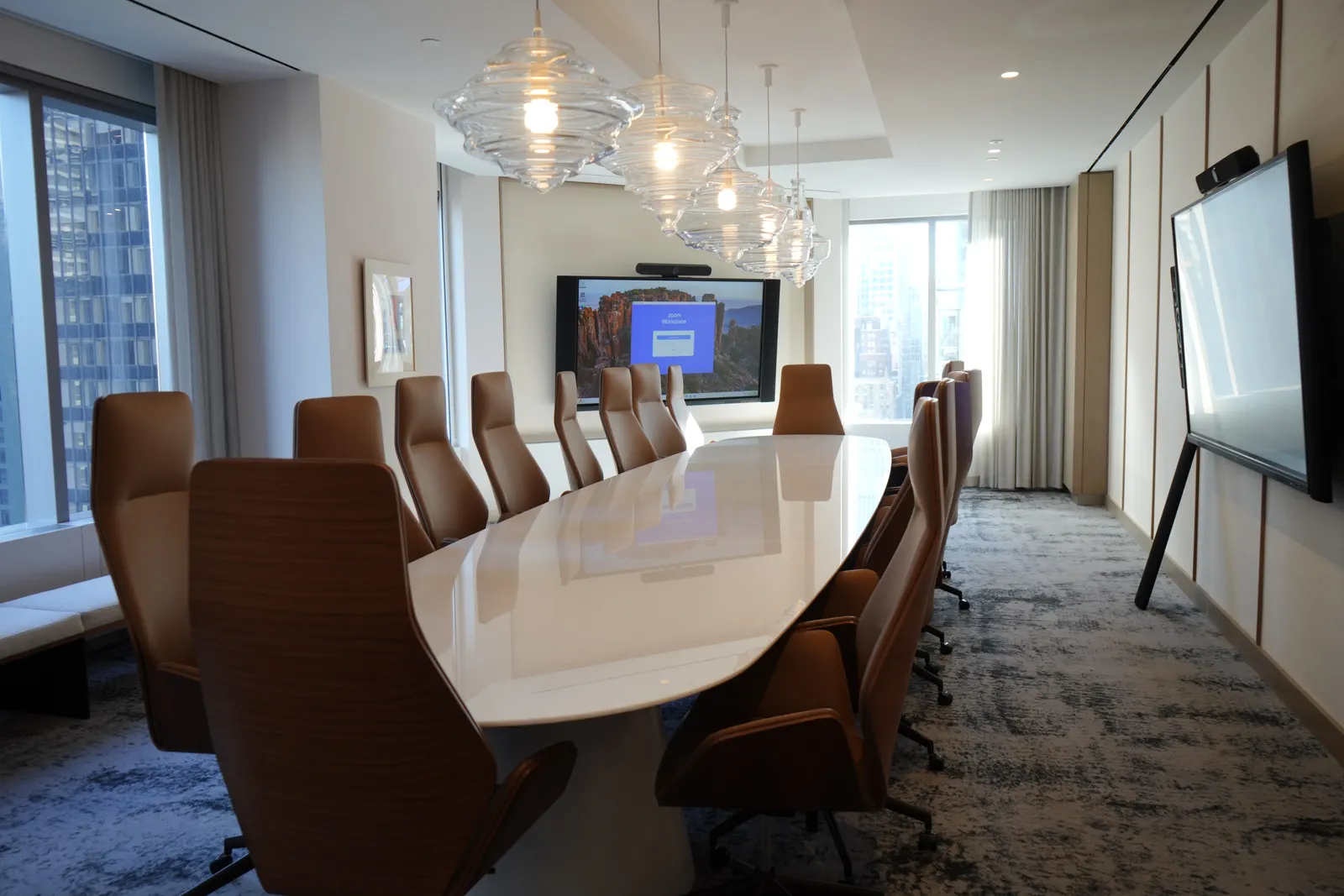
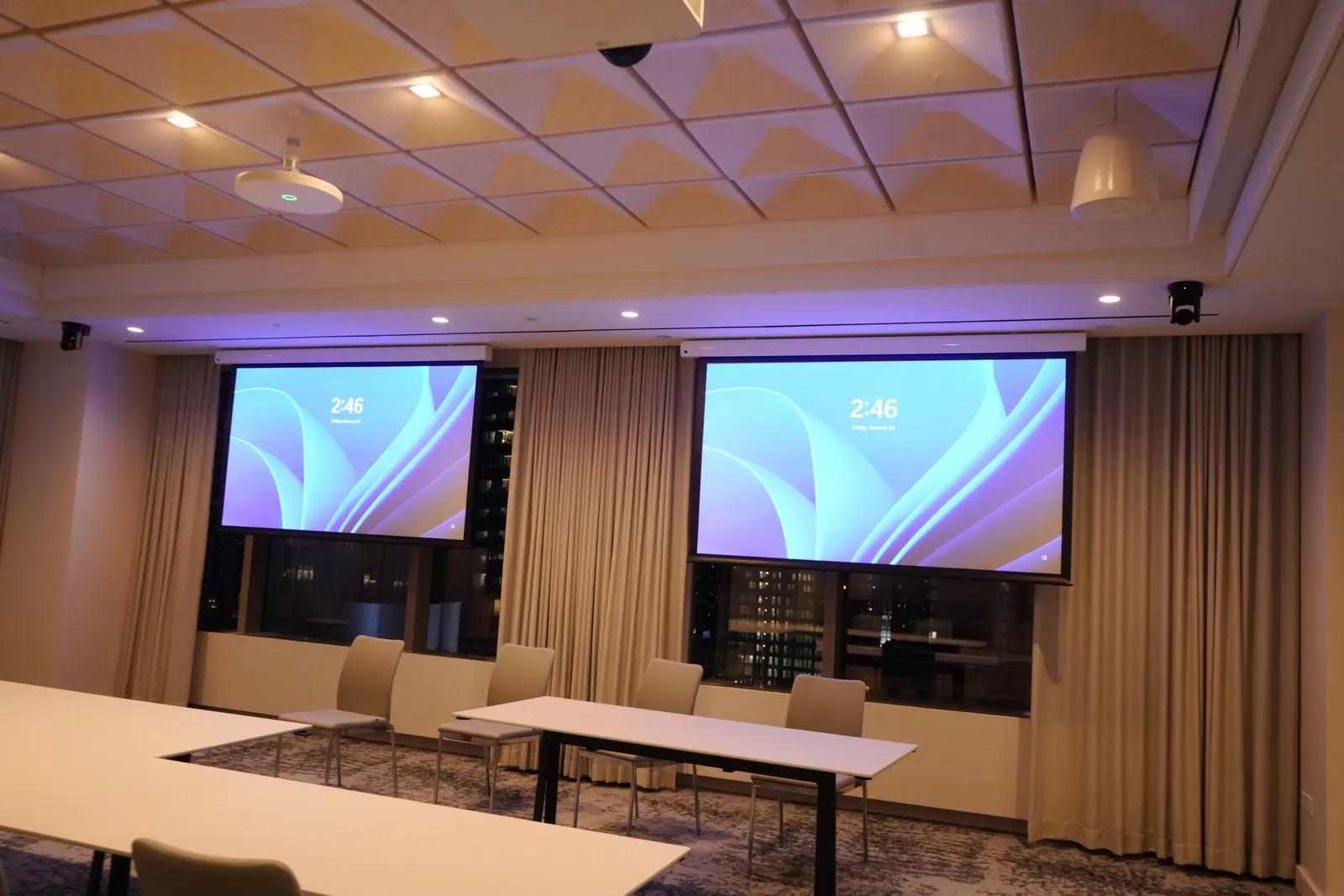
Outcomes Beyond the Equipment
From first site walk to years of support, we make meeting technology simple for New York workplaces.
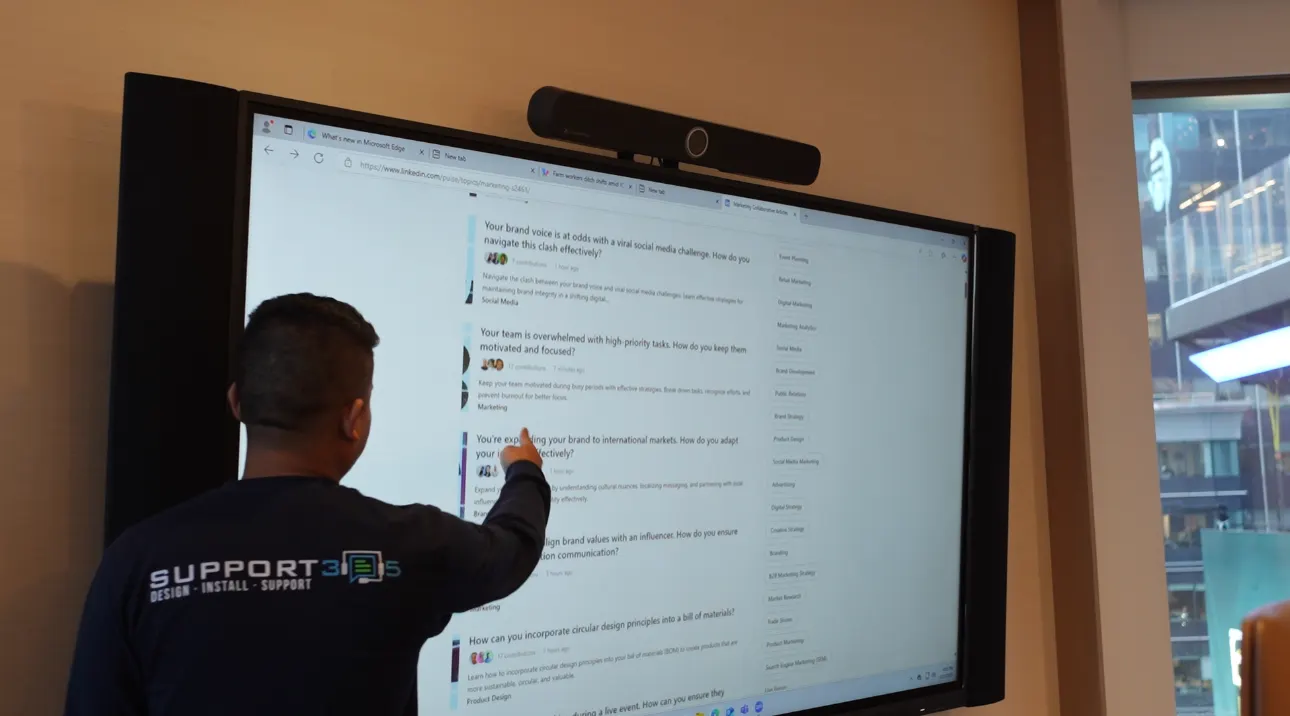
Commercial AV, engineered
AV Company New York designs, installs, programs and supports commercial audiovisual systems for offices across the five boroughs — from a single huddle room to a whole floor of standardized conference rooms.
- Consultation, design and budget before purchase
- Installation, programming and commissioning
- Training, documentation and ongoing support
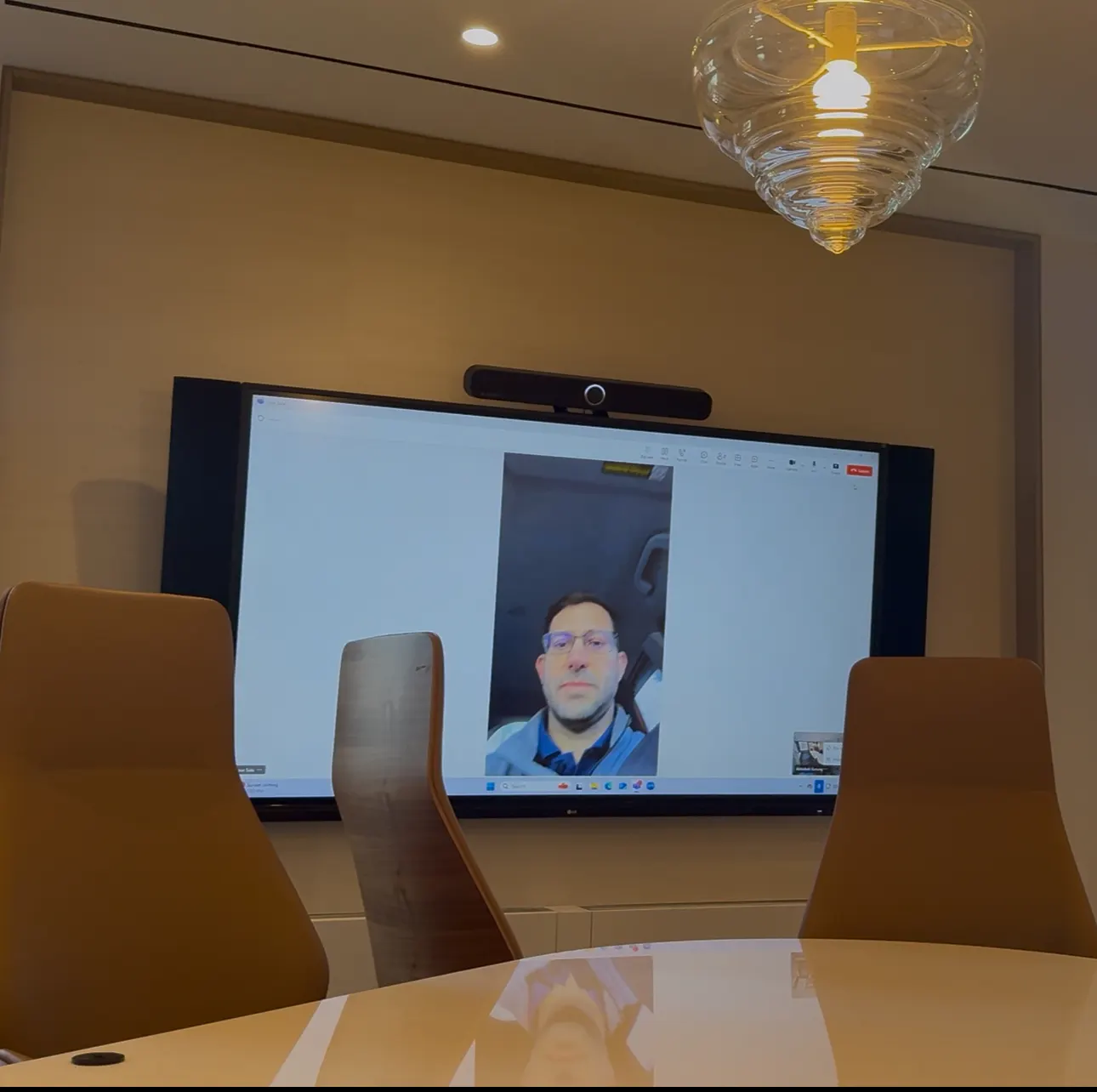
Every room works the same
We define a small set of room types — huddle, medium, large, boardroom — and deploy them consistently, so staff learn one interface and IT supports one configuration.
- Identical controls in every room
- Common spares and one management platform
- Floor-by-floor rollouts
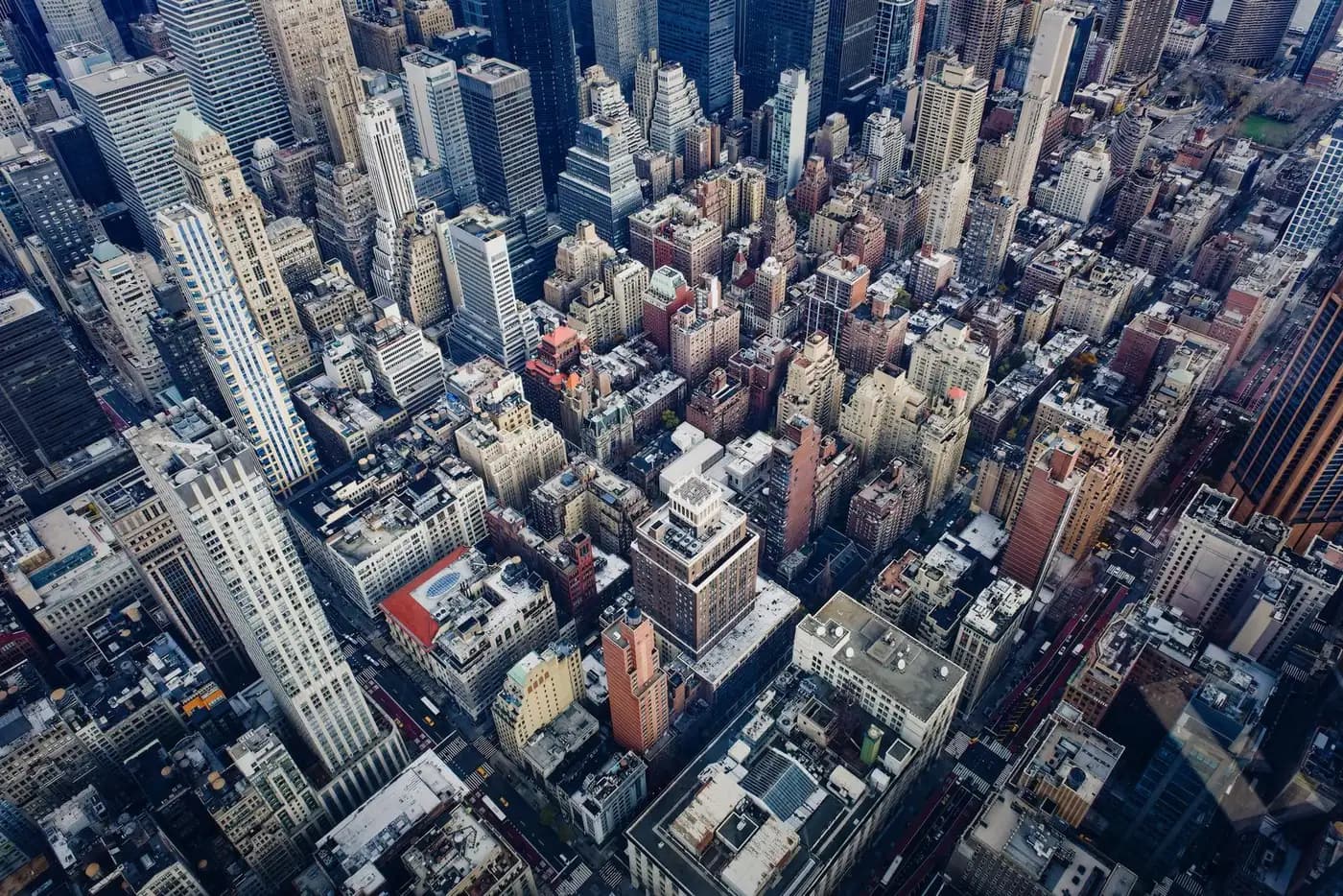
Manhattan-ready installs
Certificates of insurance, freight windows, after-hours work, plenum cabling and landlord approvals are planned from day one — not discovered on install day.
- After-hours and phased installs
- Occupied-floor protection
- Office at 24 Mercer Street, SoHo
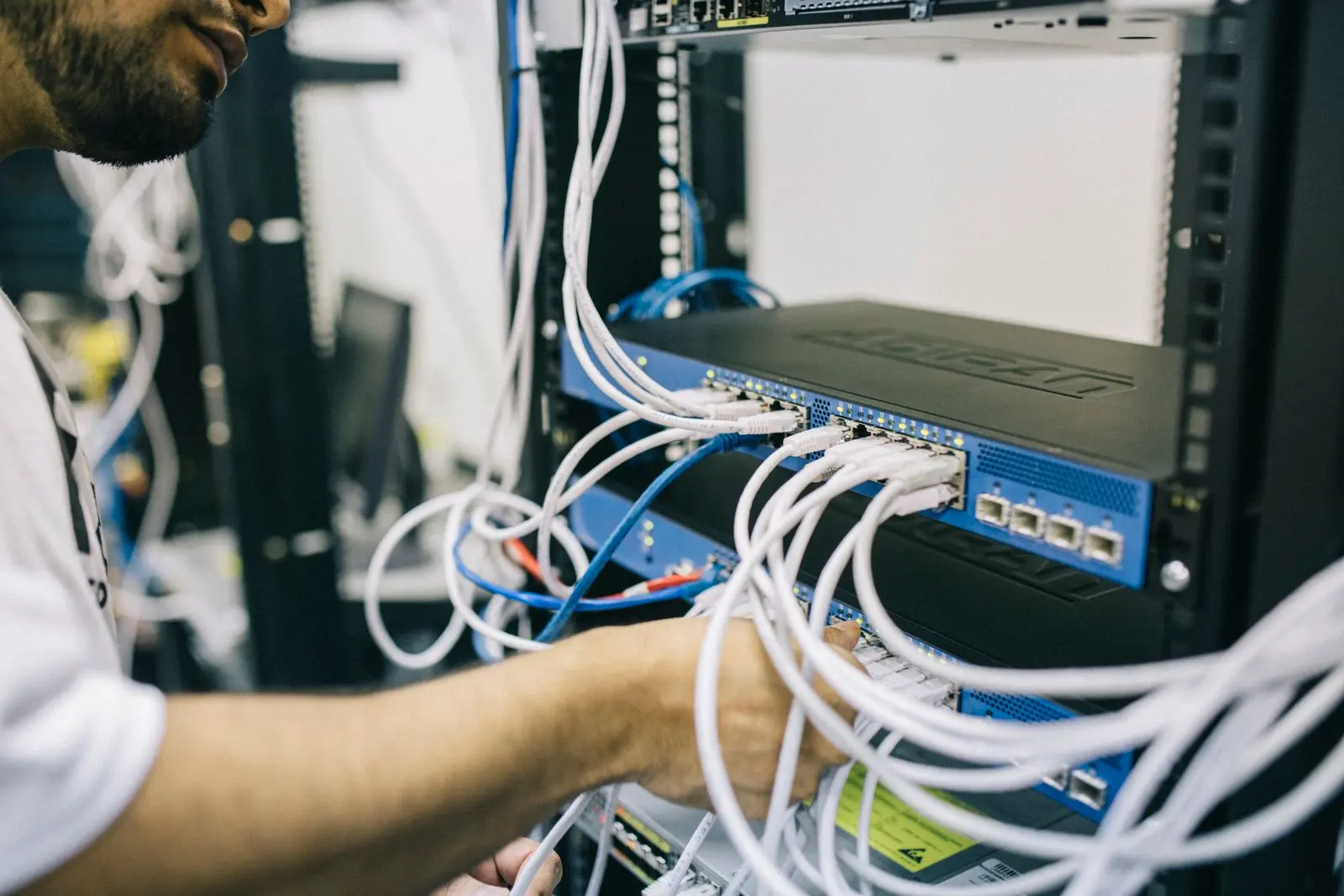
Designed with your IT team
Room systems are network devices. We plan VLANs, PoE, QoS, device management and security policy with IT before a single device is mounted.
- Teams, Zoom and Webex provisioning
- Documentation written for IT
- Remote monitoring after go-live
Real projects, real numbers
See the projects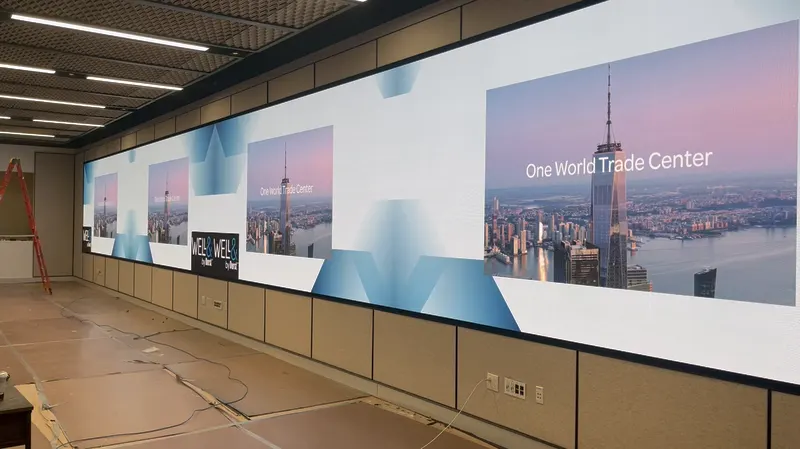
LED video wall, Well & Durst NYC
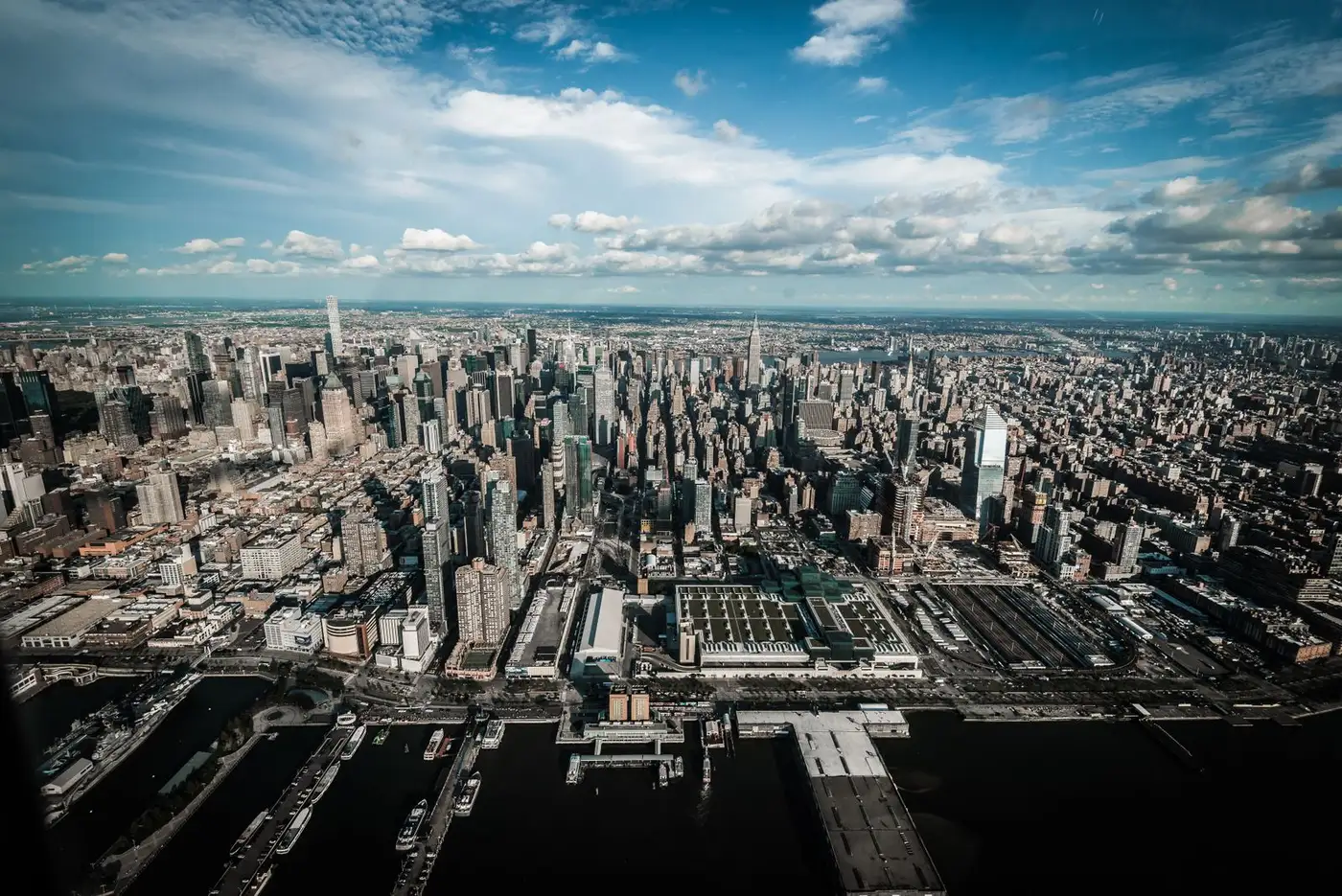
Sq ft amenity renovation, GM Building
New York boroughs served
Documented case studies
Solutions by Space
Pick a room type to see how we typically equip it.
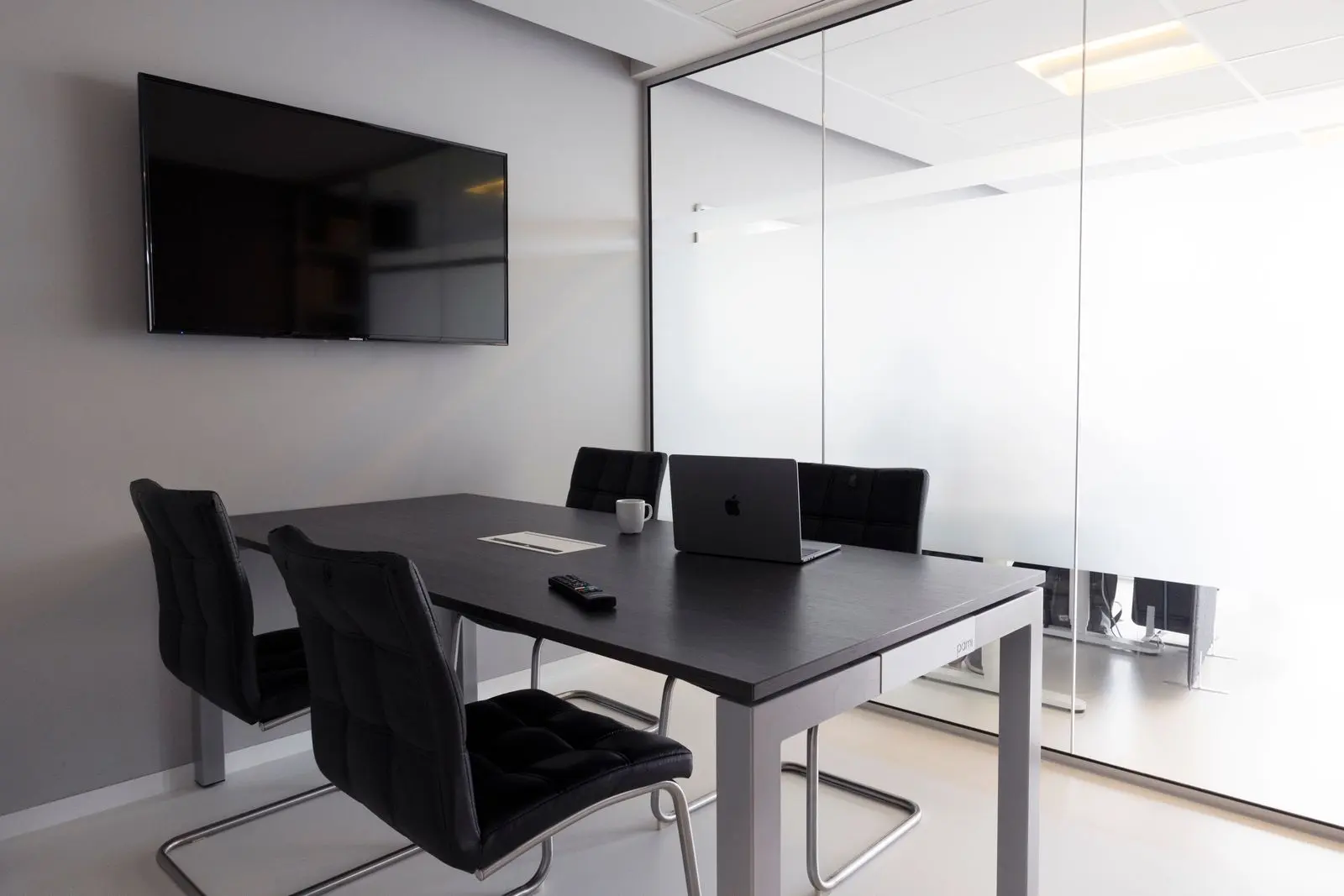 2–4 seats
Huddle rooms
Quick calls with zero setup. One display, one video bar, one touch to join.
Typical system
- 55–65" display
- All-in-one video bar
- Teams or Zoom controller
- USB-C & wireless share
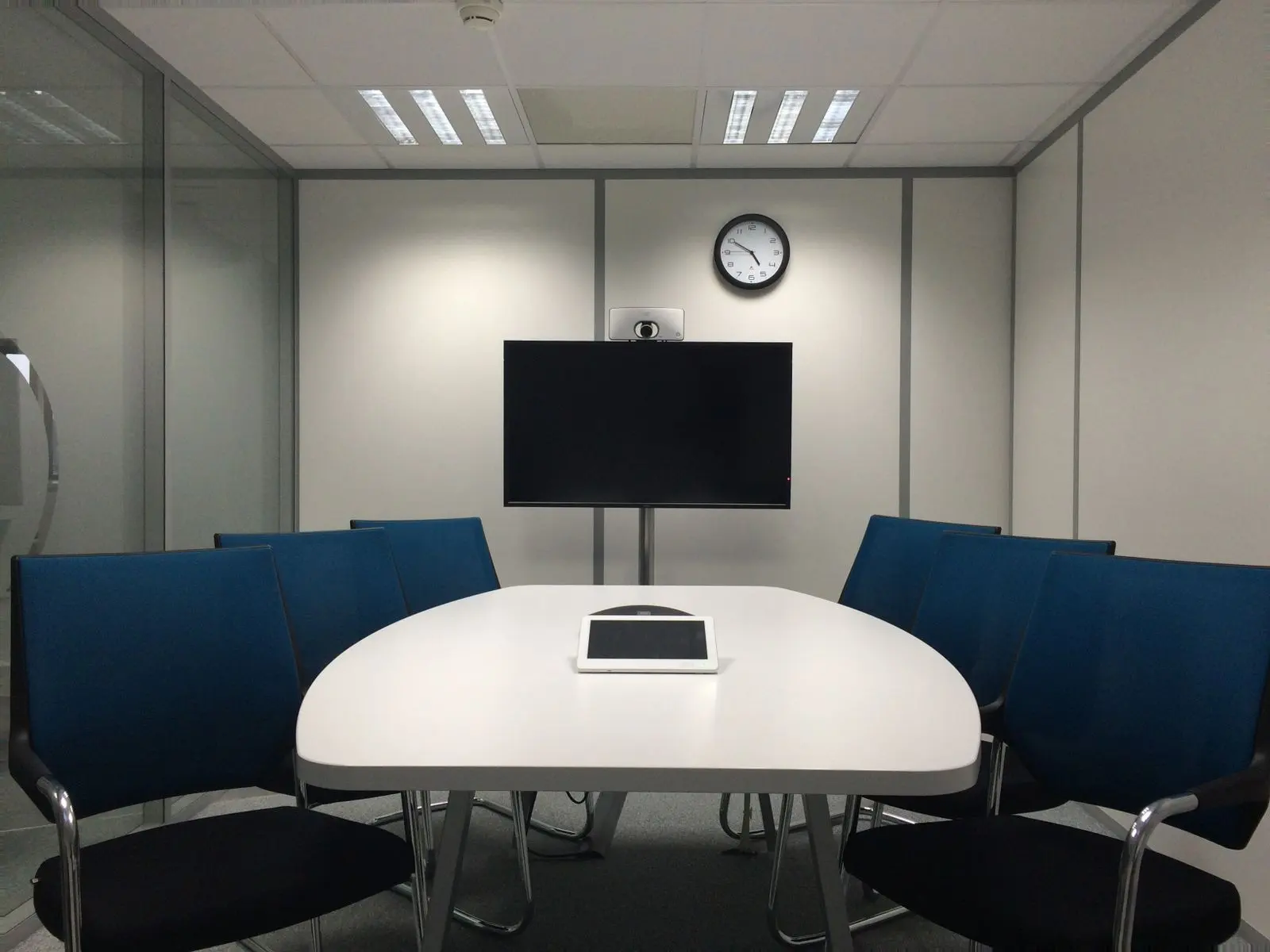 8–12 seats
Medium conference rooms
Every seat heard, every face framed, content and people on screen together.
Typical system
- Dual displays
- Auto-framing camera
- Ceiling mic array
- Speakers + DSP
- Touch panel
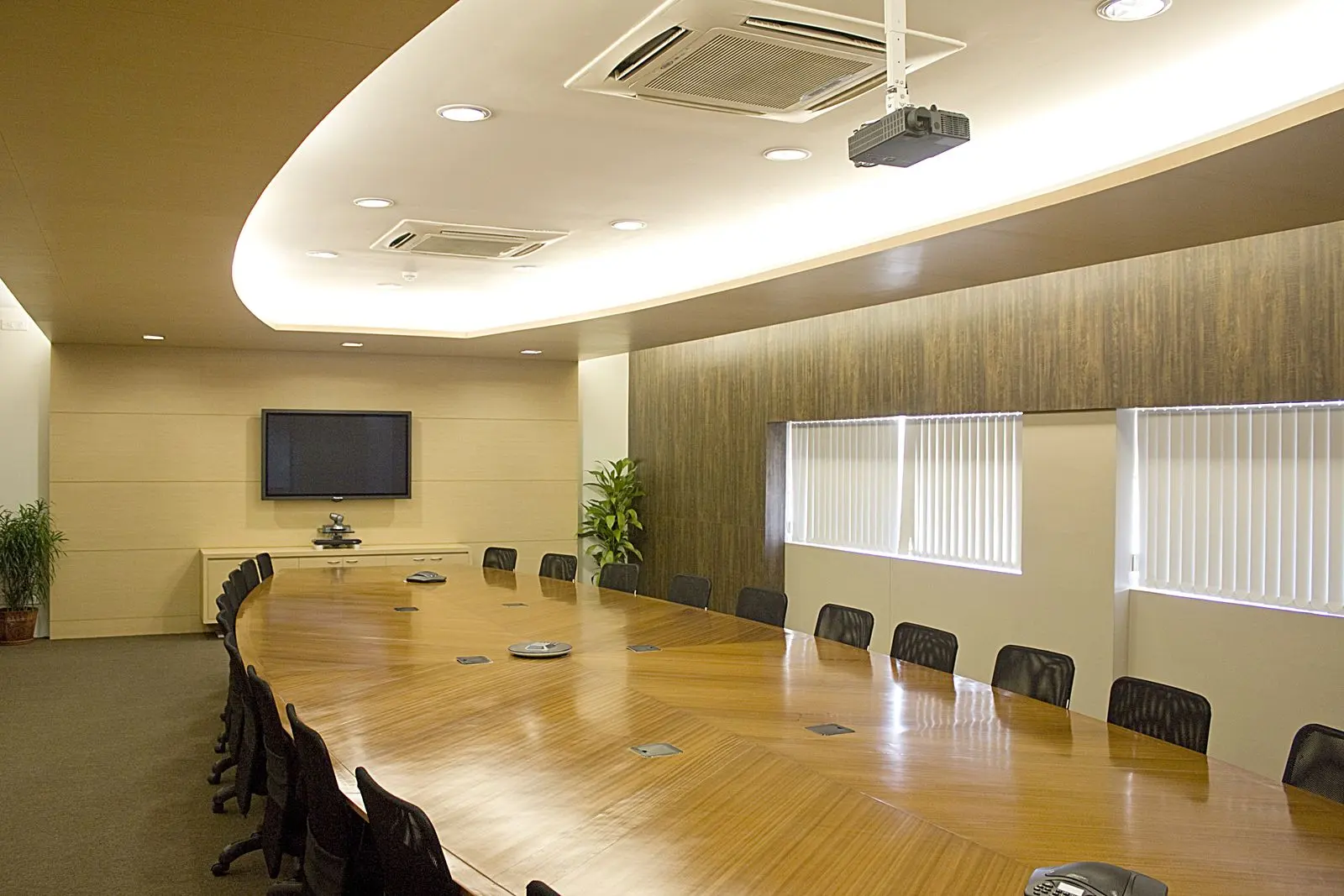 12–24 seats
Executive boardrooms
Concealed technology, multi-camera conferencing and one-touch scenes for the chair.
Typical system
- Speaker-tracking cameras
- Ceiling arrays
- LED or motorized displays
- Lighting & shade scenes
 20+ seats
Training & divisible rooms
Presenter and audience cameras, voice lift and room combining for flexible layouts.
Typical system
- Projection or LED
- Presenter + audience cams
- Voice lift
- Room combining
 Large spaces
Town halls & lobbies
Large-format LED, streaming to remote offices and signage that runs itself.
Typical system
- Direct-view LED
- Digital signage
- AV-over-IP
- Presenter audio
Projects for your inspiration
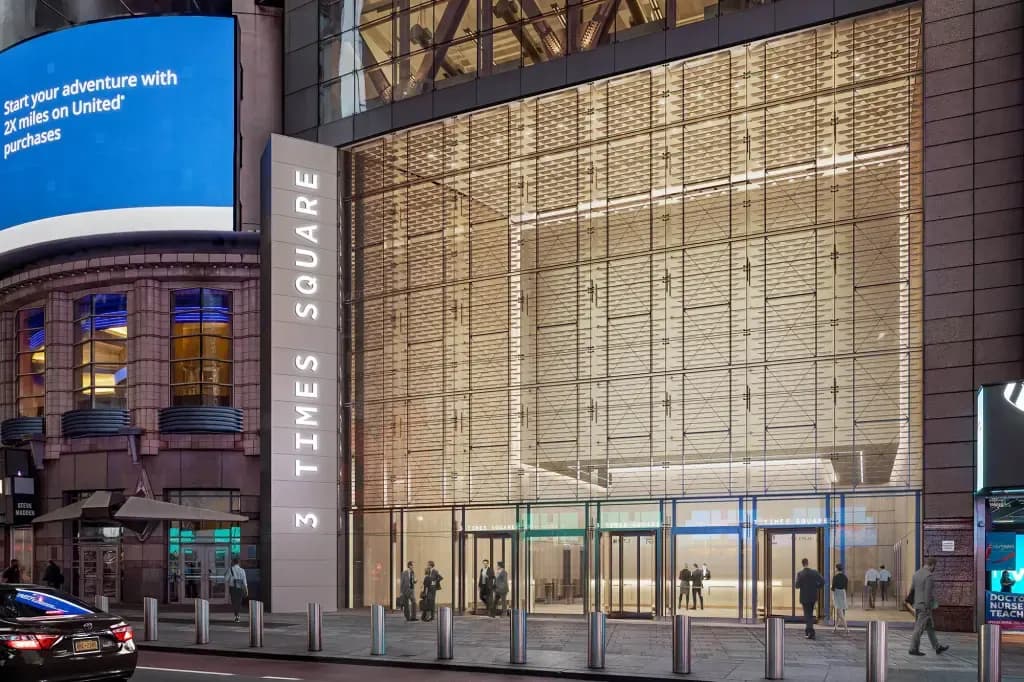
3 Times Square
AI-camera conference rooms, projection and speakers on new enterprise network infrastructure.
Well & Durst
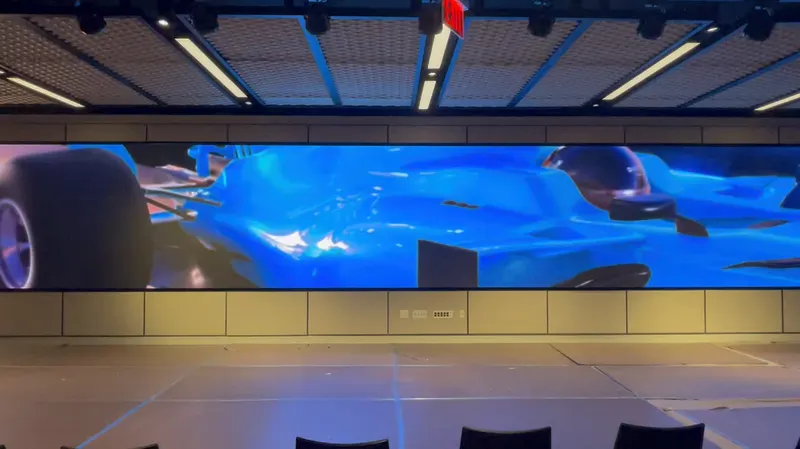
A ≈60-ft direct-view LED wall with processing for full-canvas and multi-source layouts.
General Motors Building
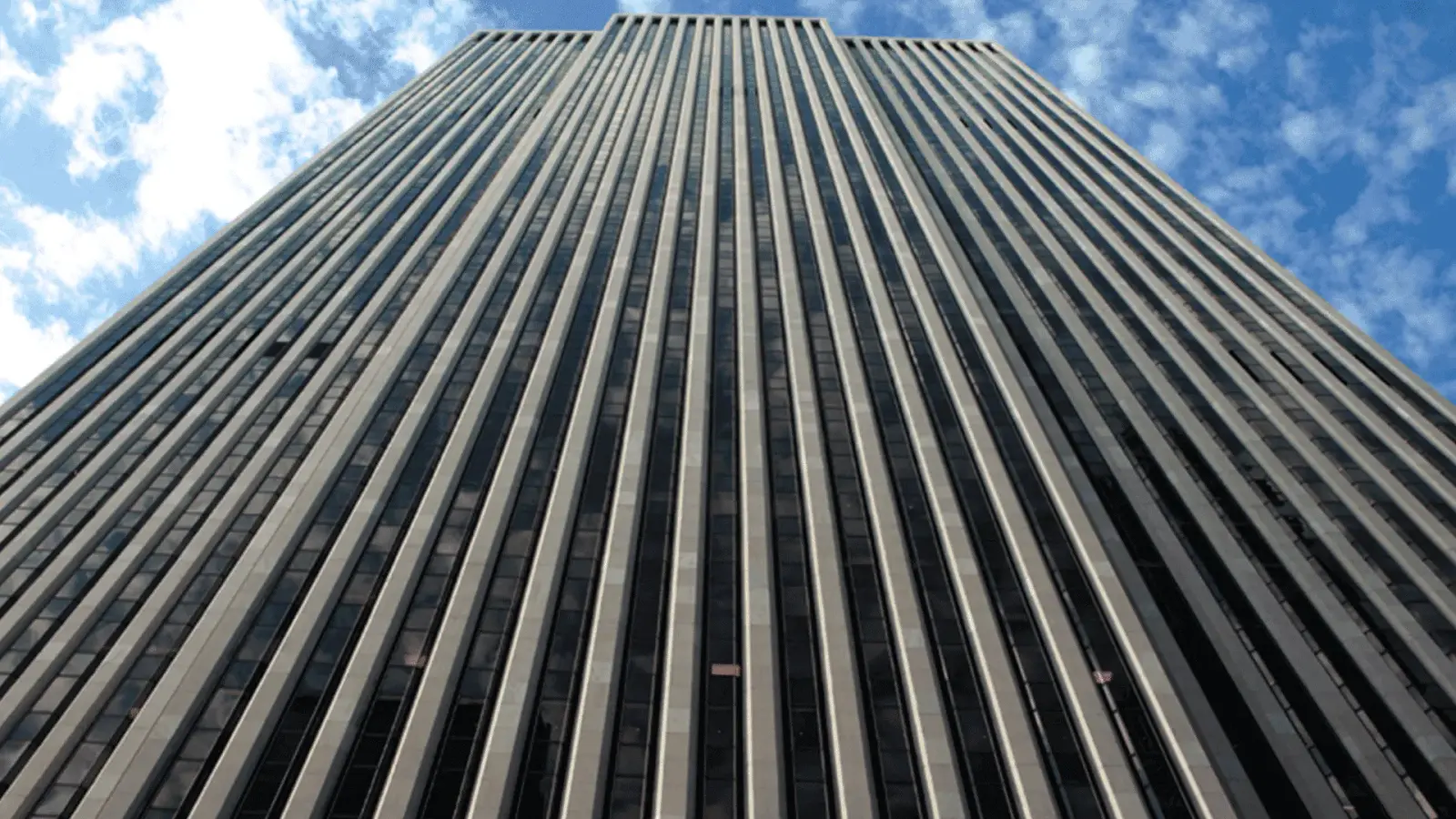
Sound and projector mapping, construction documents, budget validation and CM.
State of Play Hospitality
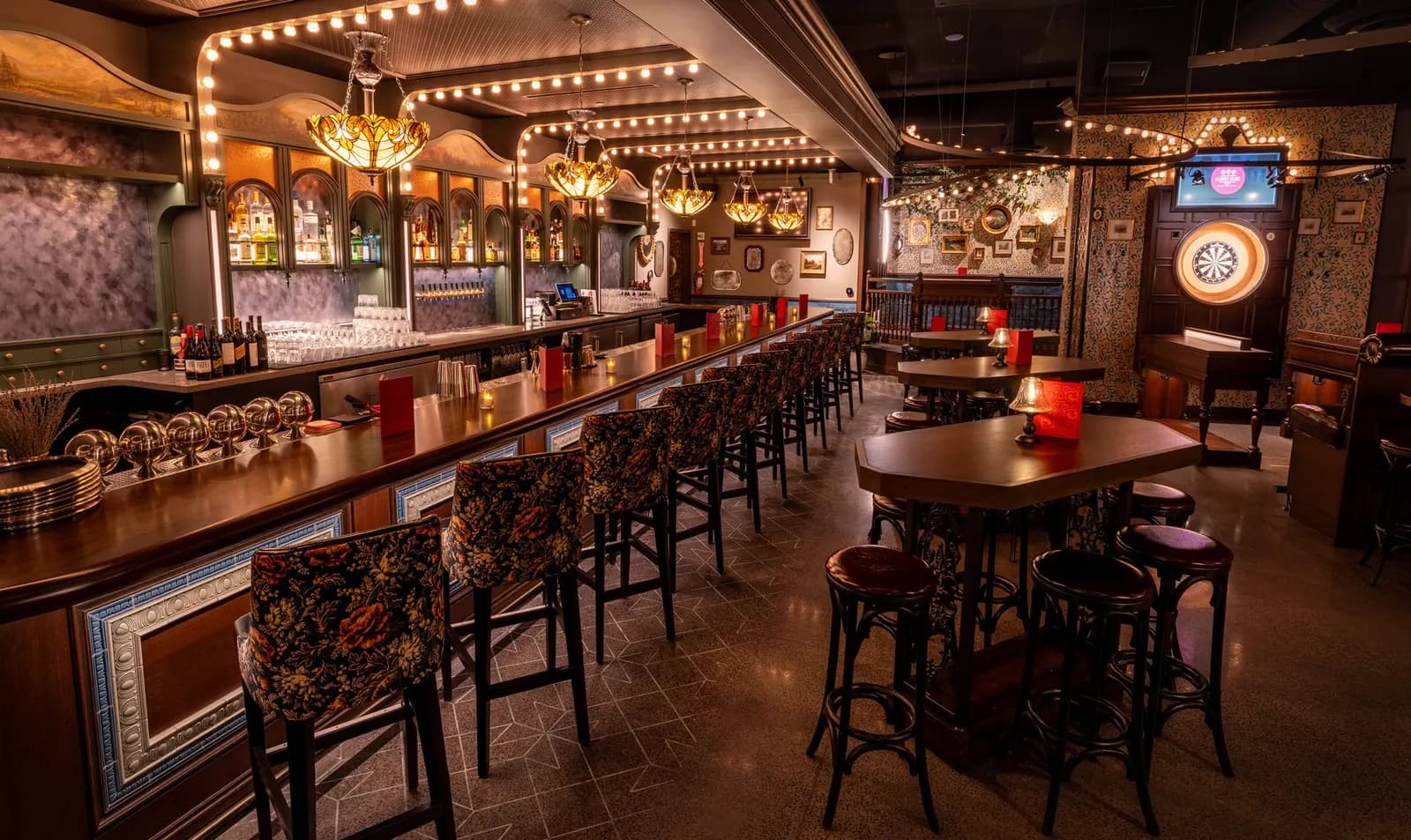
Camera systems, display screens, custom score-tracking technology, control systems and network infrastructure for an entertainment-hospitality venue.
Audemars Piguet / AP House
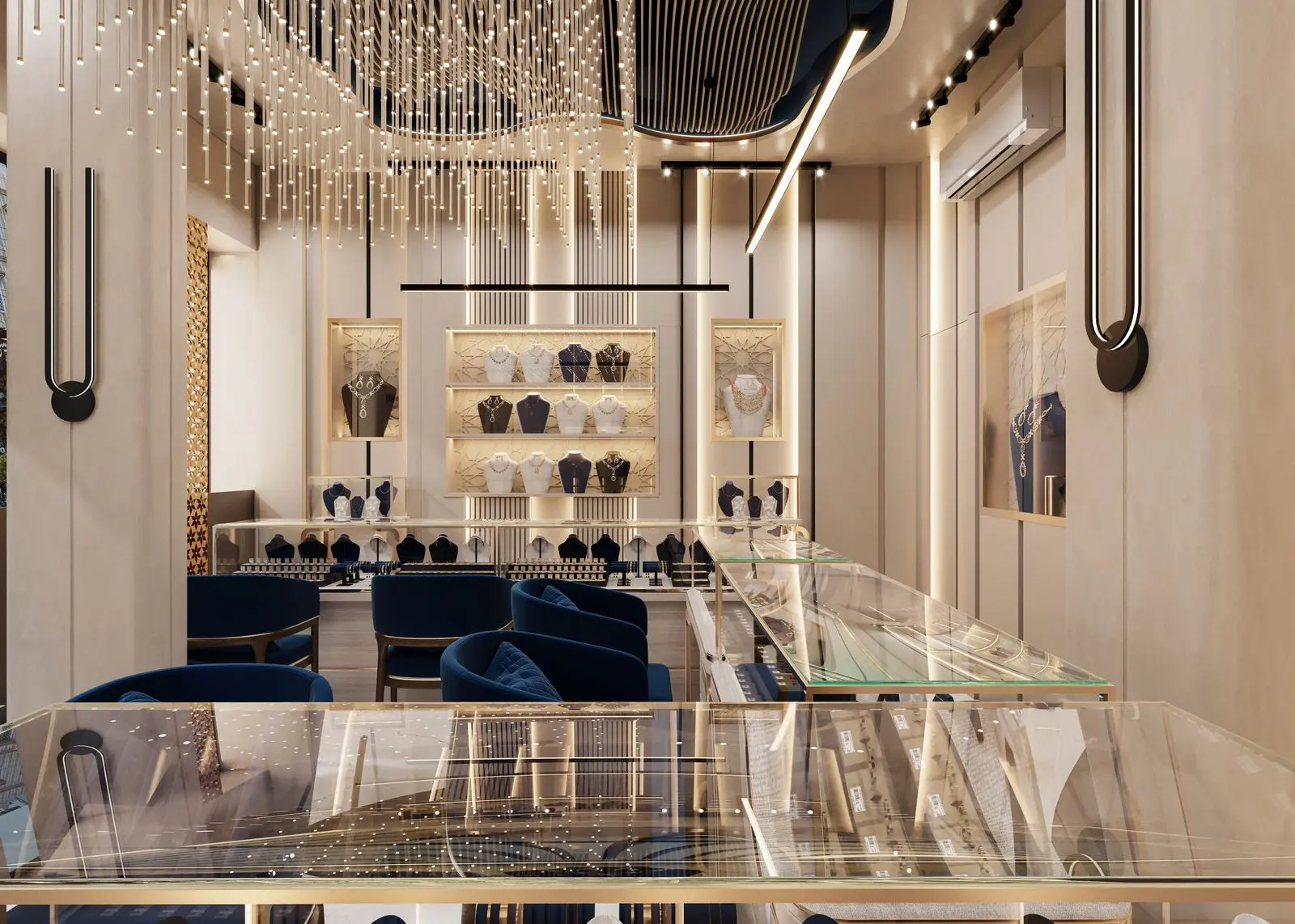
Fully automated AV control environment paired with a small huddle room installation for a luxury watchmaker's private client space.
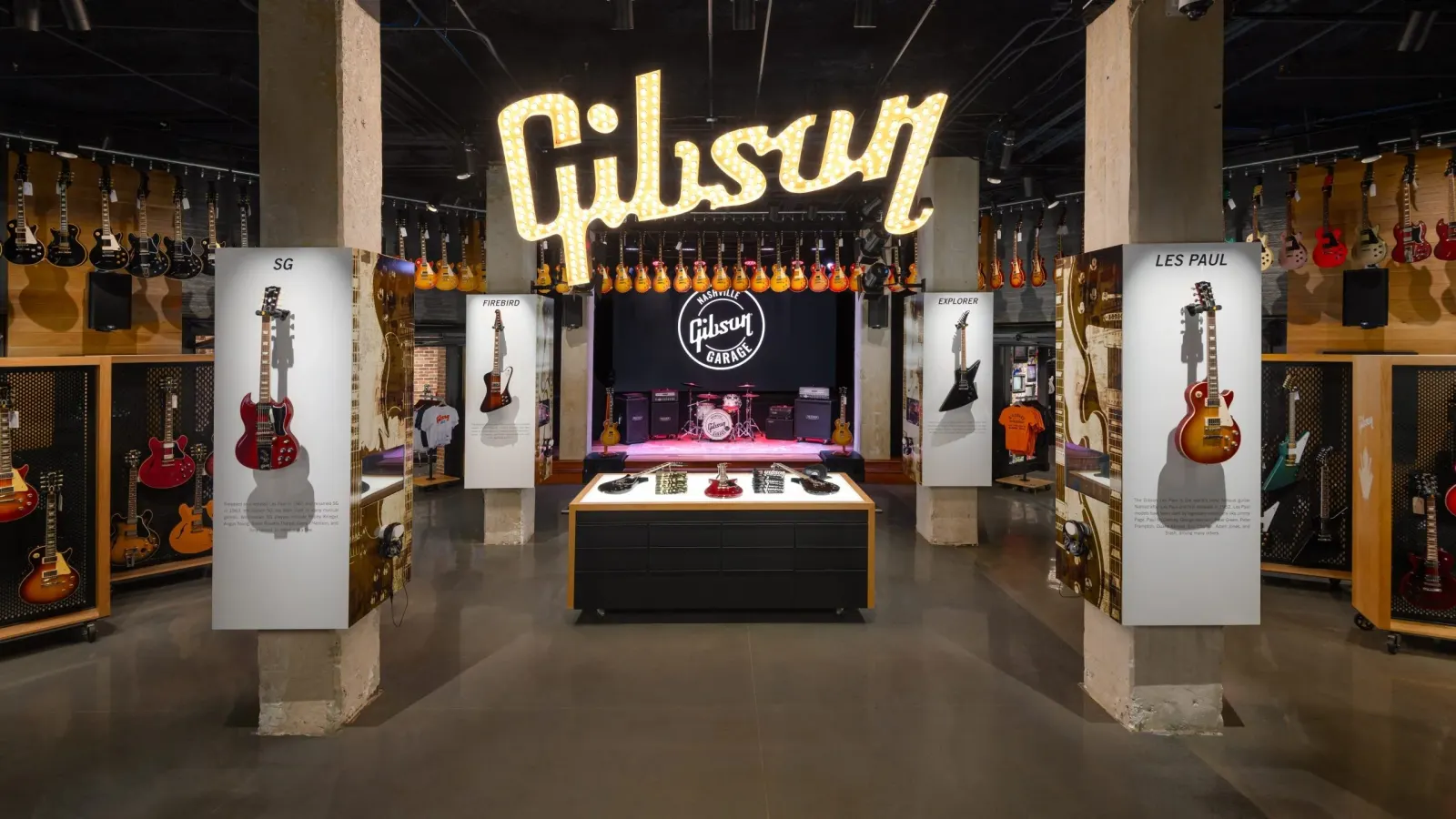
Gibson Garage
Video wall design and implementation, custom display solutions and enterprise network infrastructure for a flagship retail and live-entertainment space.
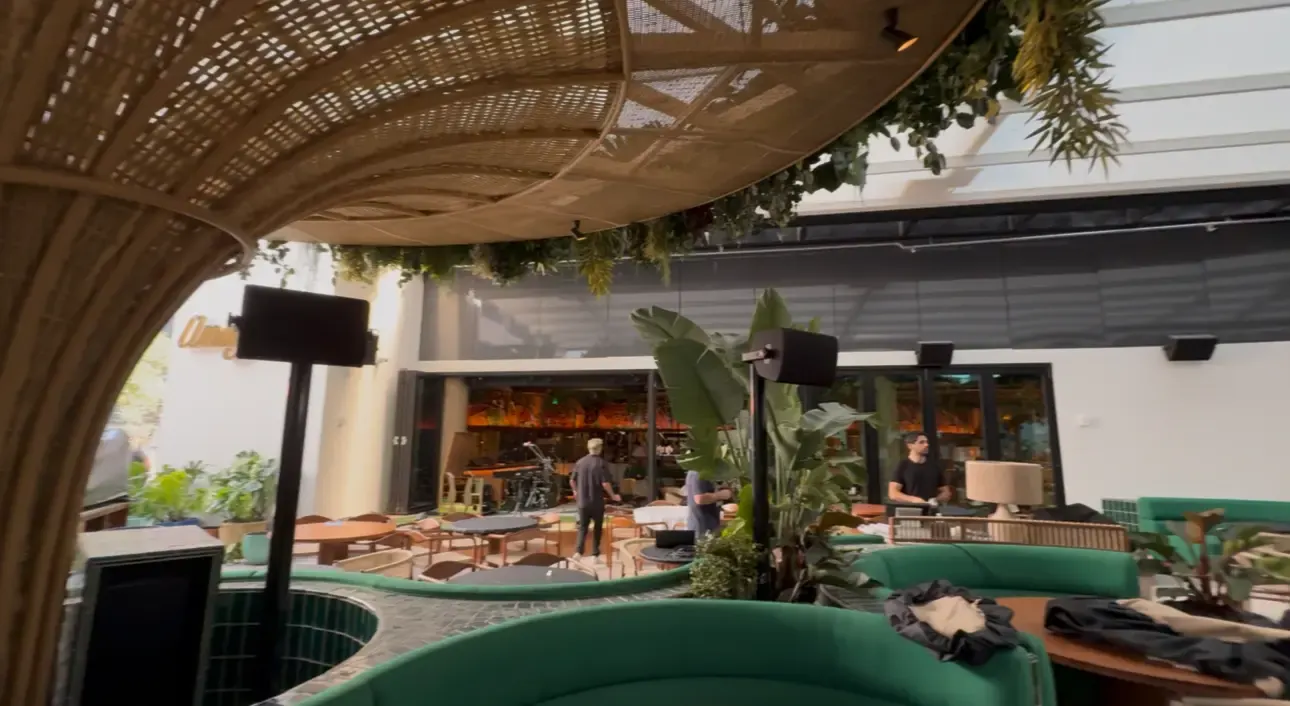
Amazonico
Loudspeaker system installation and calibration, network switching, Wi-Fi and structured cabling for a 385-plus-seat restaurant.

Eataly
Network infrastructure and enterprise technology serving retail and dining systems across a large marketplace environment.
The New York AV Landscape
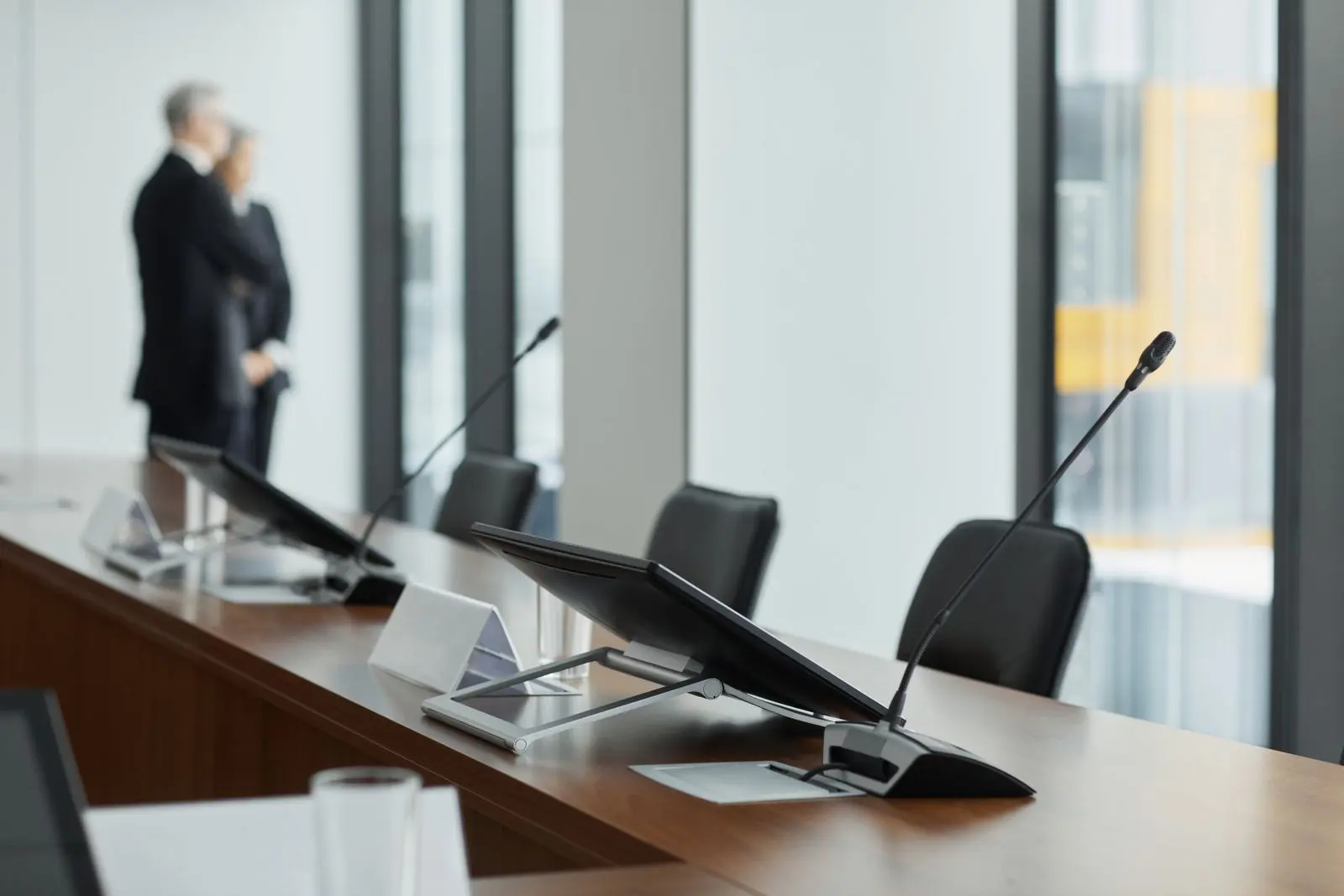
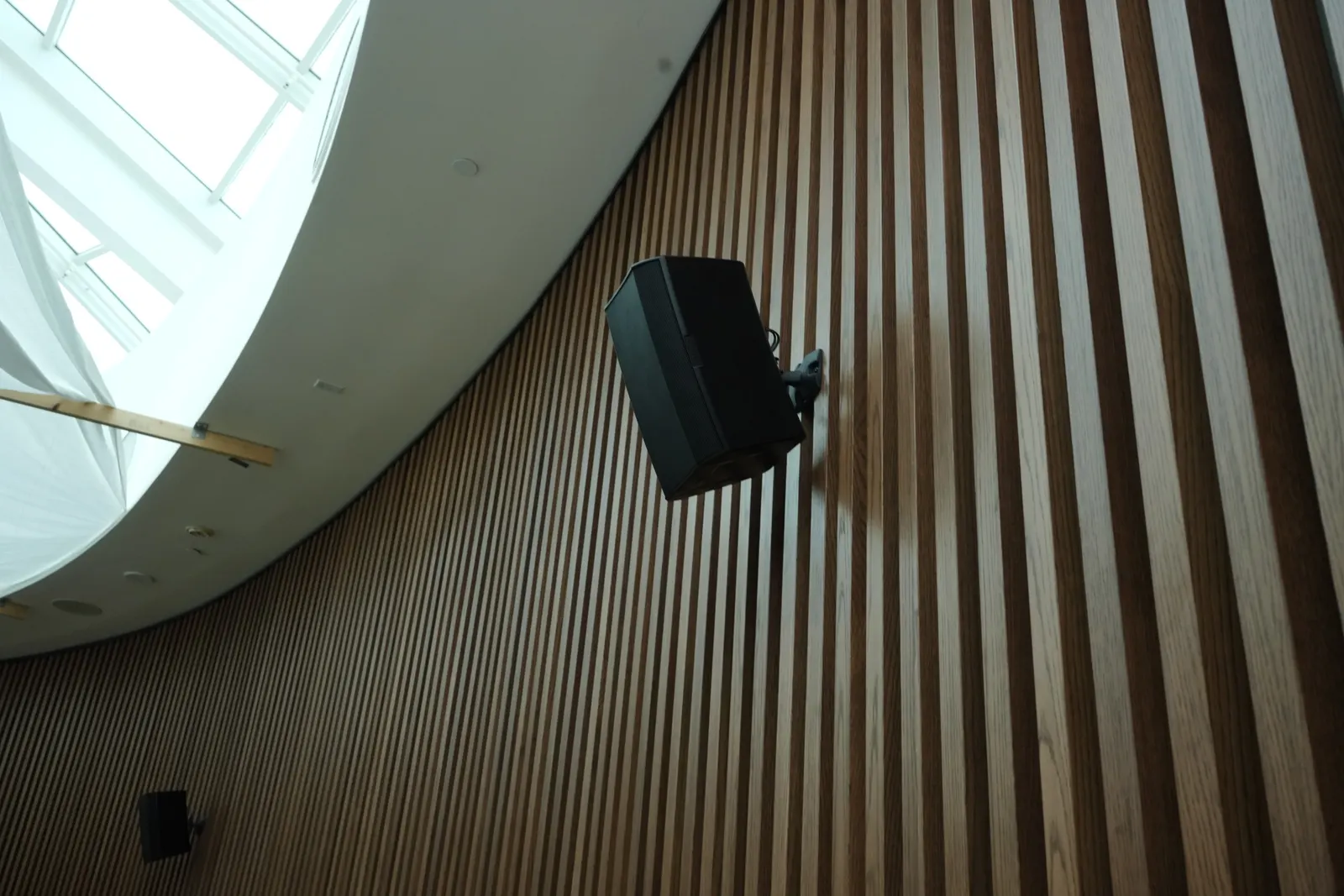
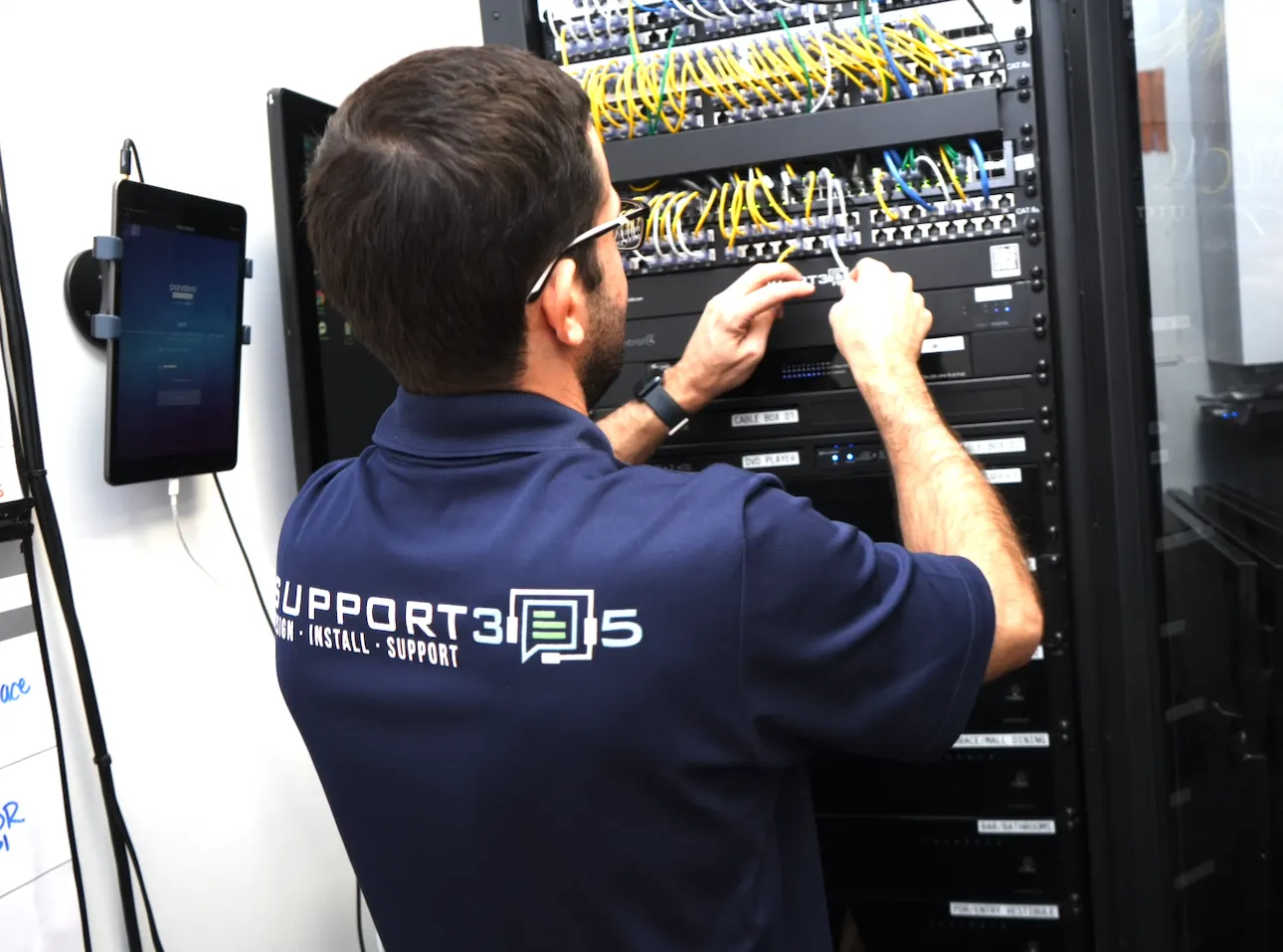
New York has one of the densest concentrations of office space in the country, and much of it was fitted out before hybrid work. That leaves thousands of conference rooms with displays that still work and cameras, microphones and controls that no longer do.
Working here also means working within New York buildings: certificates of insurance, booked freight elevators, after-hours installs, plenum cabling above ceilings and landlord sign-off for every penetration. We plan for all of it from our office in SoHo.
- COIs & building approvals
- Freight & after-hours scheduling
- Plenum-rated cabling
- Occupied-floor installs
Midtown & Hudson Yards
Class A towers with floor after floor of conference rooms and executive boardrooms.
Financial District
Finance and law firms modernizing client-facing rooms built before hybrid work.
SoHo, Flatiron & Chelsea
Creative and tech tenants in loft buildings where glass, brick and hard ceilings shape the audio.
Brooklyn & Queens
DUMBO, the Navy Yard and Long Island City conversions with high ceilings and larger training spaces.
Our AV Integration Process
01 · Discover
Rooms, platform, IT and budget.
02 · Assess
Site survey of every space.
03 · Design
Drawings and validated budget.
04 · Install & program
Built, tuned and commissioned.
05 · Support
Training, monitoring, service.
Built for Your Sector
Local to Manhattan
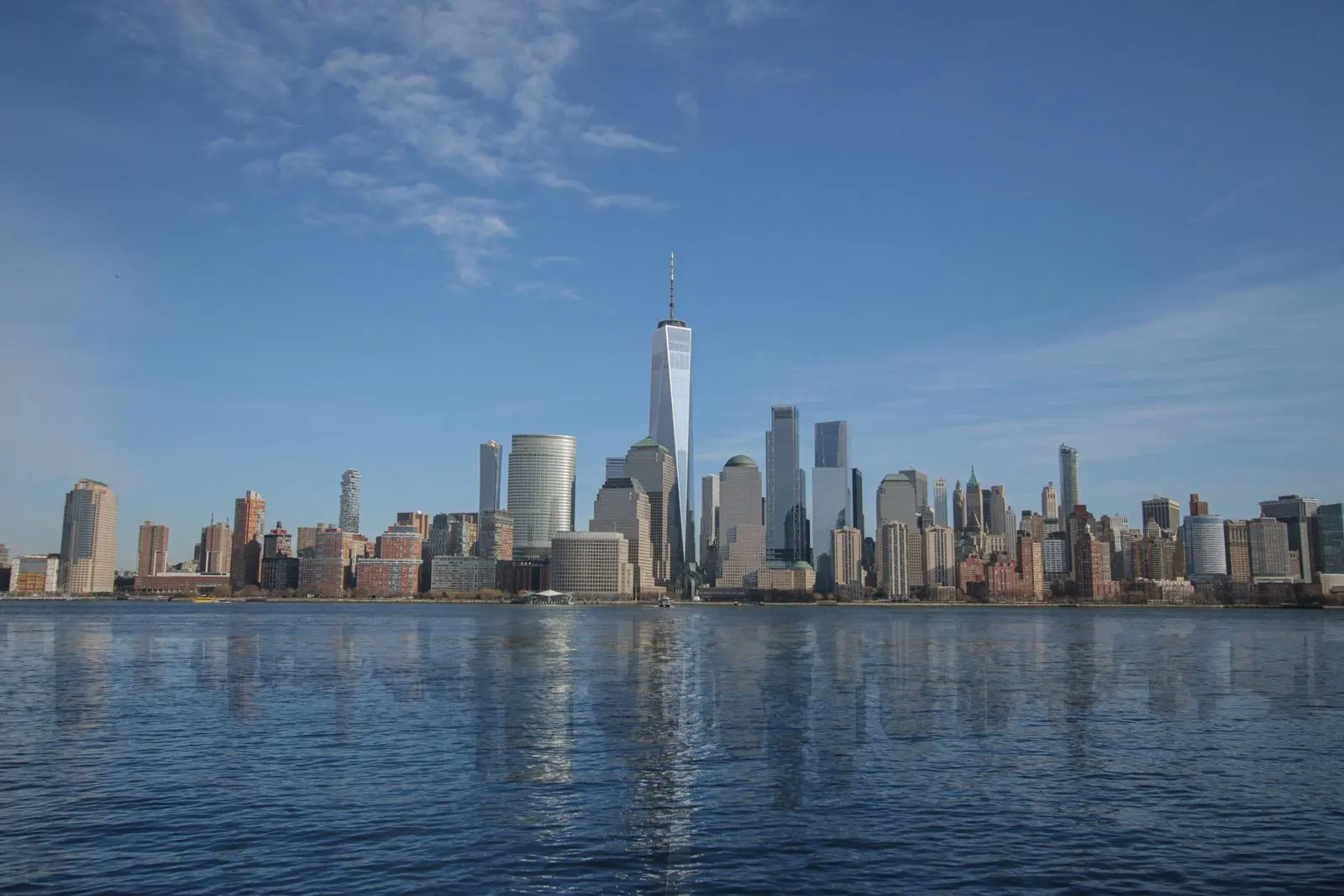
Our team works from SoHo across all five boroughs, planning around the rules of New York commercial buildings.
Plan Smarter AV
3 Times Square
Conference room technology with AI-assisted camera and microphone systems, projection and speakers, plus enterprise network infrastructure in a Midtown office building.
View projectWell & Durst
Large-format LED display system, approximately 60 feet wide, supporting presentations, seminars and company communications.
View projectGeneral Motors Building
18,381 sq ft second-floor amenity renovation: AV consulting, sound and projector mapping, construction documents, budget validation and construction management.
View projectConference Room AV Checklist for New York Office Build-Outs
Conference room AV checklist for NYC office build-outs: design decisions, construction documents, cabling, accessibility and building rules.
Read guideMicrosoft Teams Rooms Installation Guide
Step-by-step Microsoft Teams Rooms installation guide: licensing, resource accounts, certified hardware, network and QoS, third-party meetings and management.
Read guideConference Room Display Size Guide
Conference room display size guide: choose screen size from viewing distance and content type using AVIXA DISCAS, with a sizing method and table.
Read guideWhat Does a Commercial AV Integrator Do?
What a commercial AV integrator does: design, engineering, installation, programming, commissioning and support, and how it differs from an installer.
Read articleMicrosoft Teams Rooms vs Zoom Rooms for Businesses
Microsoft Teams Rooms vs Zoom Rooms compared for businesses: licensing, hardware, management, interoperability and network needs — with a decision framework.
Read articleConference Room AV Upgrade: How to Modernize an Outdated System
How to plan a conference room AV upgrade: what to keep, what to replace, how to prioritize audio and cameras, and how to upgrade rooms in an occupied office.
Read article