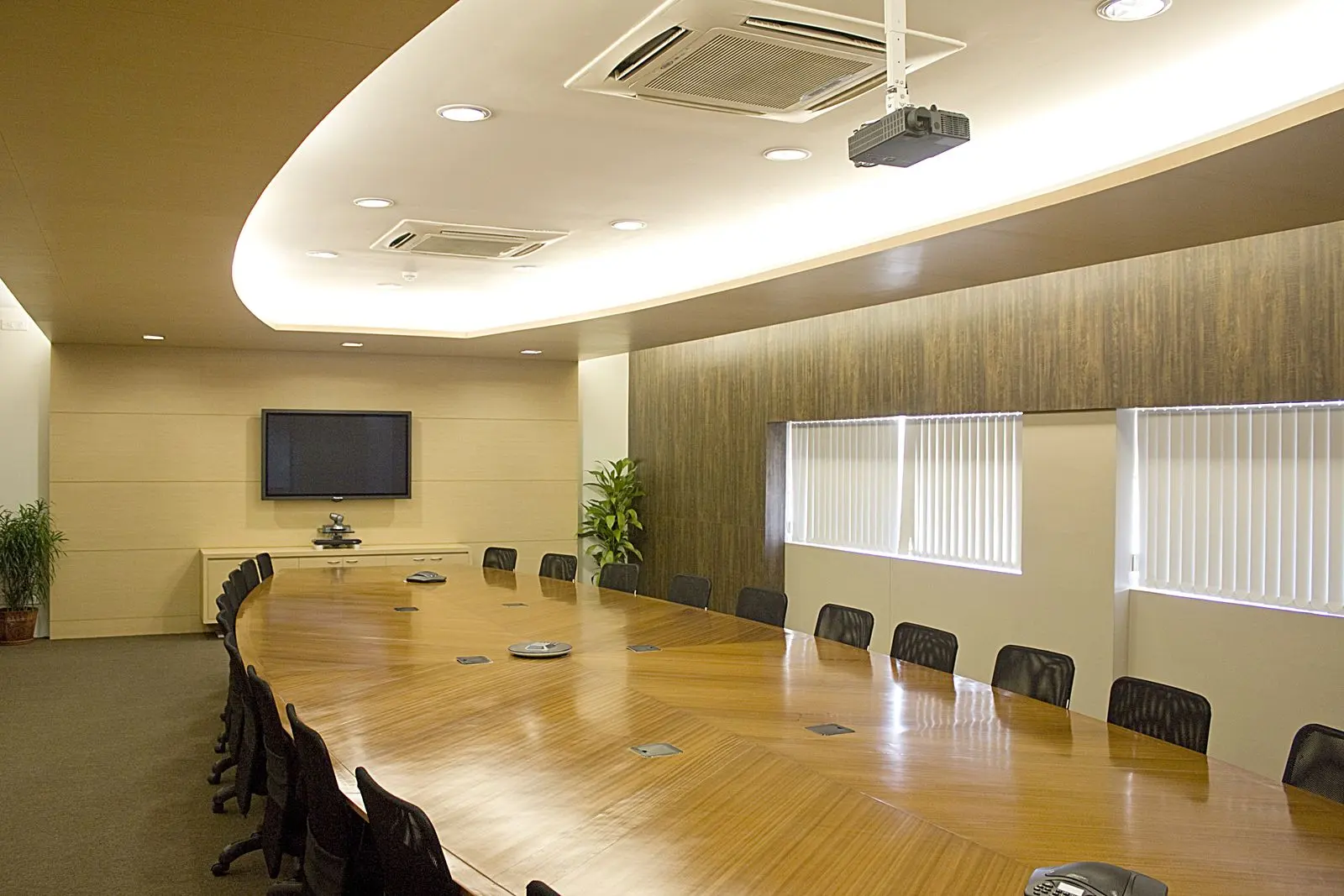
A conference room AV upgrade usually means replacing the conferencing chain — camera, microphones, audio processing and room system — while keeping displays, mounts and cabling that still work. Microsoft's Work Trend Index found 54% of leaders redesigning or planning to redesign meeting spaces for hybrid work.
On this page
- How do you know a conference room needs an upgrade?
- What should you assess before upgrading?
- Why should audio be the first priority?
- Should you move to a certified room system?
- How do you plan a conference room AV upgrade?
- How do you upgrade rooms in an occupied New York office?
- Frequently asked questions
- References
How do you know a conference room needs an upgrade?
The clearest signs are complaints from remote participants: they cannot hear everyone, see who is speaking, or read shared content. Rooms that need a laptop and cables to start a call are also due.
Common signs of an outdated room
- Remote participants hear echo or cannot hear the far end of the table
- The camera shows a wide, fixed view where faces are too small
- Meetings start with someone connecting a laptop and a USB webcam
- The conferencing codec no longer runs your current platform
- Every room works differently and needs instructions on the wall
- IT cannot monitor or update the room remotely
What should you assess before upgrading?
Assess the room, the equipment and the network. Measure the room and seating, record every device and its condition, and confirm whether the network and platform can support a modern room system.
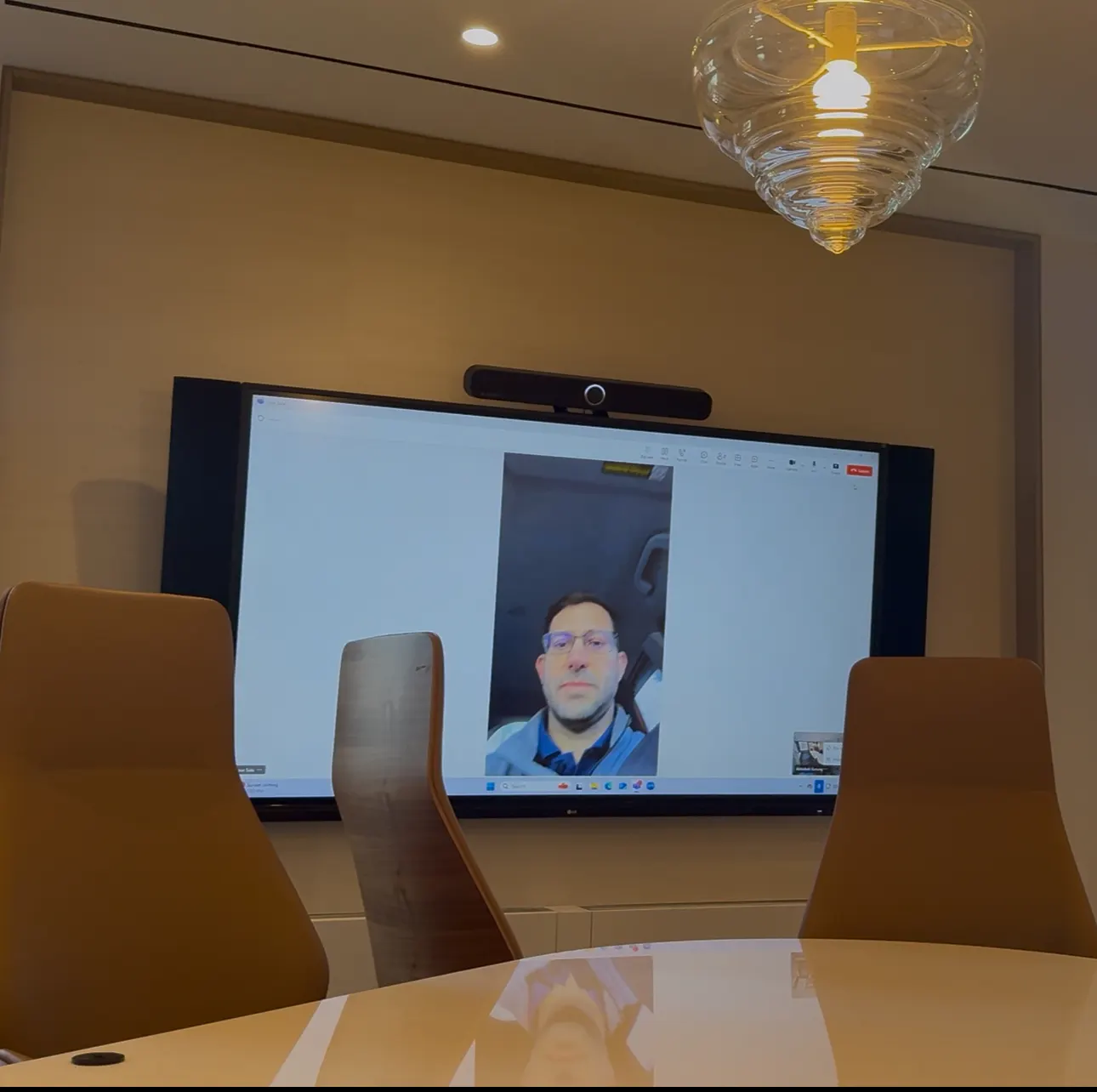
| Component | Typical decision | What to check |
|---|---|---|
| Commercial displays | Often keep | Size vs farthest seat, brightness, inputs, remaining life |
| Mounts, backing, conduit | Usually keep | Location relative to the new camera position |
| In-ceiling speakers | Evaluate | Coverage, condition, compatibility with a new DSP |
| Cameras | Usually replace | Auto-framing, speaker tracking, placement |
| Microphones | Usually replace | Coverage of every seat; ceiling array options |
| Codec / conferencing device | Replace if unsupported | Certification for your platform |
| Control system | Evaluate | Can it be reprogrammed or replaced by the native controller? |
Why should audio be the first priority?
Remote participants can tolerate imperfect video but not missing or echoing audio. Microphone coverage, speaker placement and acoustic echo cancellation decide whether people can follow the meeting.
Echo cancellation compares the far-end signal sent to the loudspeakers with what the microphones pick up and removes the echo — Biamp's documentation describes how AEC uses a reference input for this. Ceiling microphone arrays use beamforming: Shure describes combining many elements into steerable pickup lobes that cover a table without tabletop microphones. For larger rooms, a dedicated DSP tuned during commissioning is the difference between a room that sounds acceptable and one that sounds clear.
Should you move to a certified room system?
Yes, in most cases. Certified Teams Rooms, Zoom Rooms or Webex devices join meetings in one touch, are managed centrally and receive platform updates — unlike laptop-and-webcam setups.
Microsoft's certified hardware program tests security, audio and video quality and accessibility. Before choosing, confirm the network can carry real-time media; Microsoft's Teams network guidance recommends 2,500 kbps up and 4,000 kbps down for meeting video per endpoint. Our Teams vs Zoom comparison covers platform choice.
How do you plan a conference room AV upgrade?
Assess every room, define upgrade standards by room size, prioritize the worst rooms, schedule around occupancy, and commission each room against the standard before returning it to service.
Upgrade plan
- Inventory every room: size, seats, equipment, condition and complaints.
- Define upgrade standards for each room size, reusing sound displays and infrastructure.
- Confirm platform, licensing and network readiness with IT.
- Prioritize rooms by usage and severity of problems.
- Schedule installs after hours or in phases so the floor keeps working rooms.
- Commission, document and train before each room returns to service.
- Enroll rooms in remote management and a support agreement.
How do you upgrade rooms in an occupied New York office?
Work after hours or in phases, arrange building access in advance, protect finished spaces and never take all rooms of one type offline at once. In Manhattan buildings, access rules often set the schedule.
Upgrades in occupied offices need certificates of insurance, freight elevator reservations and after-hours approvals arranged ahead. Because most upgrades reuse existing mounts and cable paths, individual rooms can often be completed in a single evening. See our conference room AV installation approach for New York offices.
Frequently Asked Questions
Can we upgrade conference room AV without replacing the displays?
Often, yes. Commercial displays that are correctly sized for the room and still in good condition can usually be kept. The camera, microphones, audio processing and conferencing system are the components most likely to need replacement. An assessment confirms whether each display meets current sizing and connectivity needs.
What is the most important part of a conference room upgrade?
Audio. Remote participants need to hear every person in the room clearly without echo. Microphone coverage, speaker placement and acoustic echo cancellation have more impact on meeting quality than camera resolution, so audio is usually the first priority in an upgrade.
How long does it take to upgrade a conference room?
When mounts, cabling and displays are reused, a small or medium room can often be upgraded in a single visit, frequently after hours. Rooms needing new ceiling microphones, cable runs or control programming take longer. Equipment lead times and building access rules affect scheduling as much as installation time.
Should we replace a room codec with a Teams or Zoom room system?
If the codec no longer supports your meeting platform or is out of support, moving to a certified Teams Rooms, Zoom Rooms or Webex device is usually the right upgrade. These systems join meetings natively, are centrally managed and receive platform updates.
Do we need ceiling microphones in an upgraded room?
Not always. Small rooms work well with video bars. Medium and large rooms, long tables and glass-walled rooms often benefit from ceiling microphone arrays with beamforming, which cover the table without microphones on the surface. The choice depends on room size, ceiling height and finishes.
Can upgraded rooms be monitored remotely?
Yes. Certified room systems can be managed through Teams Rooms Pro Management, Zoom Device Management or Webex Control Hub, which report device health and handle updates. Combining that with an AV service agreement means hardware faults get an on-site response.
How do we avoid disrupting meetings during upgrades?
Phase the work so only a few rooms are offline at a time, schedule installs after hours or on weekends, and communicate which rooms are affected. Pre-configuring equipment before installation shortens time on site so rooms return to service quickly.
Upgrade the conferencing, keep what works
A good conference room AV upgrade reuses sound infrastructure, fixes audio first, moves rooms to certified platforms and applies one standard across every room.
If your New York office has rooms that no longer serve hybrid meetings, we can assess them and give you an upgrade plan by room.
References
- Great Expectations: Making Hybrid Work Work (Work Trend Index 2022) — Microsoft WorkLab
- AEC in Tesira — Biamp
- Ceiling Array Microphones — Shure
- Teams Rooms certified systems and peripherals — Microsoft Learn
- Prepare your organization's network for Microsoft Teams — Microsoft Learn
References verified and re-checked at each scheduled review. Read our editorial policy.