Zoom Rooms Installation in New York
We install Zoom Rooms for New York organizations — certified appliances, controllers and scheduling displays, cameras and audio matched to each room, configured in Zoom Device Management and supported after go-live.
AV Company New York · 24 Mercer Street, New York, NY 10013 · Serving the five boroughs
AV Company New York installs Zoom Rooms in Manhattan and throughout New York City. We specify certified Zoom Rooms appliances or compute, controllers and scheduling displays, install cameras, microphones, speakers and displays sized by room, integrate rooms with your Zoom account and calendar, and support them afterward.
- Certified Zoom Rooms appliances and compute
- Controllers, scheduling displays, digital signage mode
- Cameras, microphones and DSP sized to the room
- Zoom Device Management and calendar integration
- Multi-room rollouts and standards
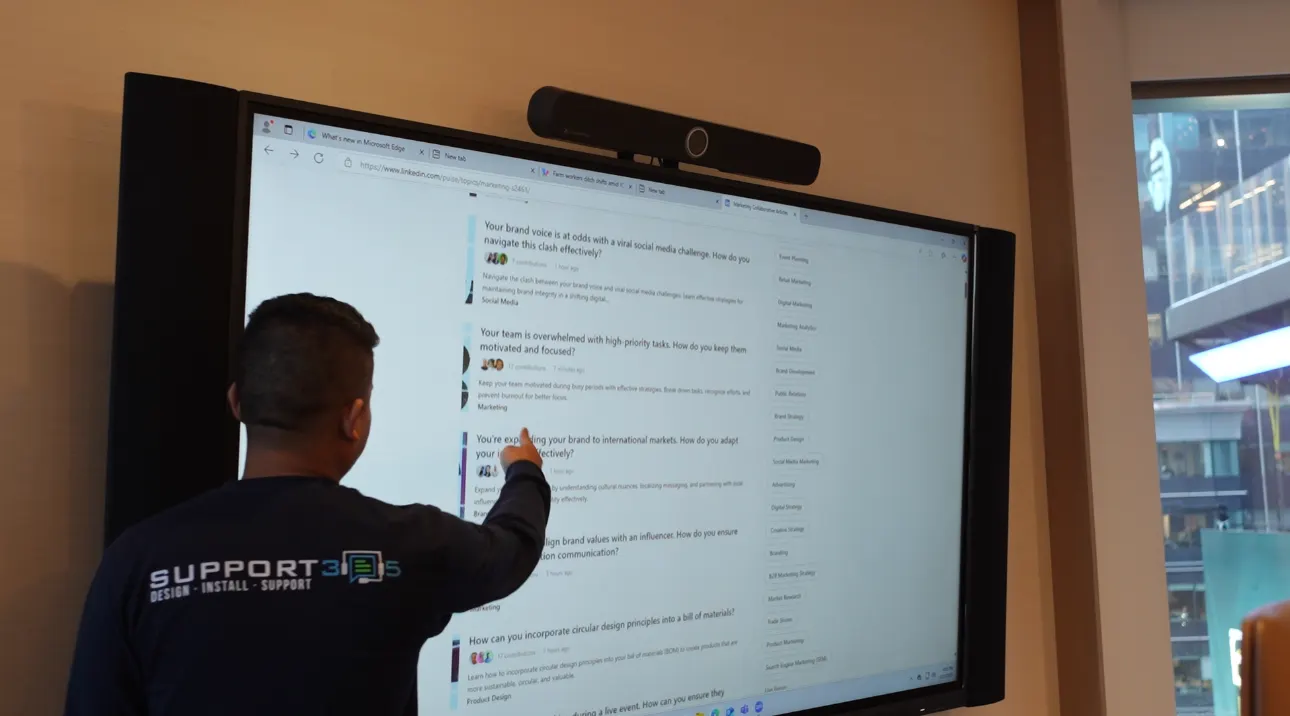
A dedicated room system running Zoom Rooms software.
What a Zoom Room Is
A Zoom Room is a room system — an appliance or dedicated compute — running Zoom Rooms software, connected to certified cameras, microphones, speakers and displays, with a controller on the table and often a scheduling display outside the door. The room joins its calendar meetings in one touch, supports wireless and wired content sharing, and is managed centrally through Zoom Device Management. Zoom Rooms can also join Teams and Webex meetings and can operate in digital-signage mode when idle.
From appliances in huddle rooms to multi-camera boardrooms.
Zoom Rooms by Room Size
Standards are defined with your IT team and deployed consistently:
| Room | Configuration |
|---|---|
| Huddle (2–4) | Zoom Rooms appliance (video bar) with integrated camera and mics, single display, controller |
| Small (4–8) | Appliance or compute, video bar or camera plus tabletop mic, single or dual displays, controller, scheduling display |
| Medium (8–12) | Compute, auto-framing camera, ceiling microphone array, DSP, ceiling speakers, dual displays, controller |
| Large / boardroom (12+) | Compute, multiple cameras, ceiling arrays, DSP, distributed audio, dual/triple displays or LED, controller and room control |
Zoom Rooms, Teams Rooms or both.
Zoom Rooms and Microsoft Teams Rooms Together
Some New York organizations run Zoom for meetings and Microsoft 365 for mail and calendar. Zoom Rooms integrate with Microsoft 365 calendars directly, and they can join Teams meetings through built-in support. Where an organization needs Teams-native rooms in some spaces and Zoom-native rooms in others, we advise on the split and keep the hardware standard as common as possible.
Frequently Asked Questions
Do you install Zoom Rooms?
Yes. We design, install, configure and support Zoom Rooms for offices in Manhattan and the five boroughs.
What license does a Zoom Room need?
Each room requires a Zoom Rooms license assigned in your Zoom account. We advise on licensing and coordinate with your administrator.
Can a Zoom Room join Microsoft Teams meetings?
Yes, through built-in third-party meeting support. Rooms can also be configured for bring-your-own-meeting from a laptop.
Can we use our existing displays?
Often yes. Commercial displays in good condition are typically retained; we add the Zoom Rooms appliance or compute, controller, camera and audio as required.
Related AV Solutions
Conference Room AV
Displays, cameras, microphones, DSP and control for conference rooms.
Learn moreMicrosoft Teams Rooms
Certified-hardware Teams Rooms deployed and standardized across offices.
Learn moreVideo Conferencing
Camera, microphone, display and codec systems for hybrid meetings.
Learn moreMeeting Room AV
Huddle, small and medium meeting rooms standardized across a floor plate.
Learn moreAV Service & Support
Maintenance plans, remote monitoring and on-site service after commissioning.
Learn moreDeploying Zoom Rooms in New York?
Tell us your room count and sizes. We will propose Zoom Rooms standards, coordinate configuration with your administrator and give you a validated budget.