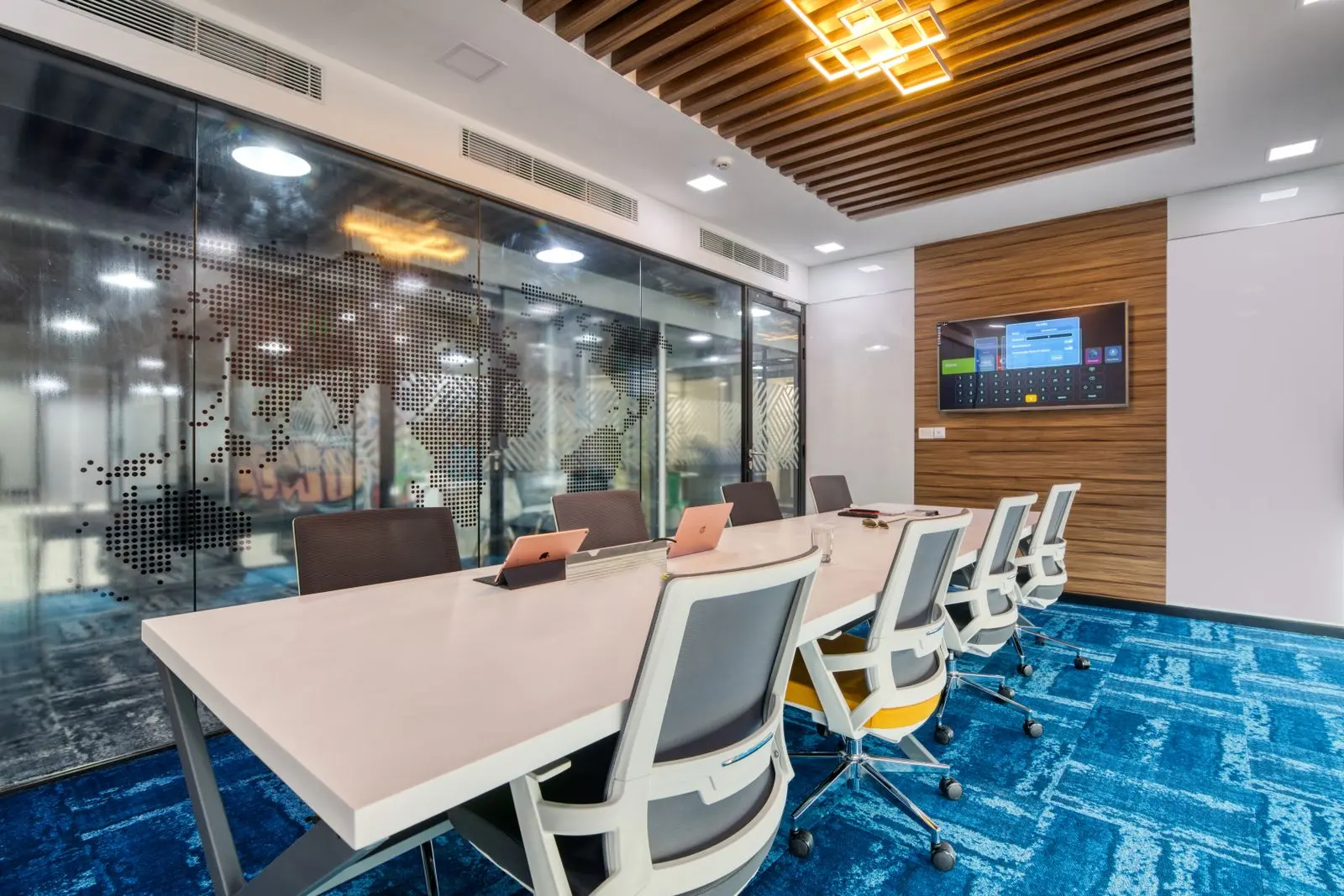
The right conference room display size depends on two things: how far the farthest viewer sits and what they need to read. AVIXA's DISCAS standard formalizes this, separating content people must analyze in detail from content they only need to recognize.
On this page
Why does conference room display size matter?
An undersized display forces people at the far end of the table to squint at spreadsheets and remote faces. It is the most common flaw in rooms fitted out without a design step.
Wall width is not a sizing method. A 65-inch display that looks large on an empty wall can be unreadable from the tenth seat. Sizing starts with measurements, not a catalog. It is one of the first decisions in our AV system design process.
What is the AVIXA DISCAS standard?
DISCAS (Display Image Size for 2D Content in Audiovisual Systems) is AVIXA's standard for determining display image size and viewing positions for new or existing spaces, based on viewer distance and content.
DISCAS distinguishes two viewing tasks. Analytical Decision Making (ADM) applies when viewers must read and analyze detail, such as a spreadsheet or engineering drawing. Basic Decision Making (BDM) applies when viewers only need to recognize what is shown, such as a slide headline or a video. According to AVIXA's explanation of display size, the two use different acuity factors — 3,438 for ADM and 200 for BDM — which is why detailed content needs a much larger image.
AVIXA also defines an element: a group of pixels carrying one piece of information, such as a character of text. The smaller the element relative to the image, the larger the image must be for it to be legible from a given distance.
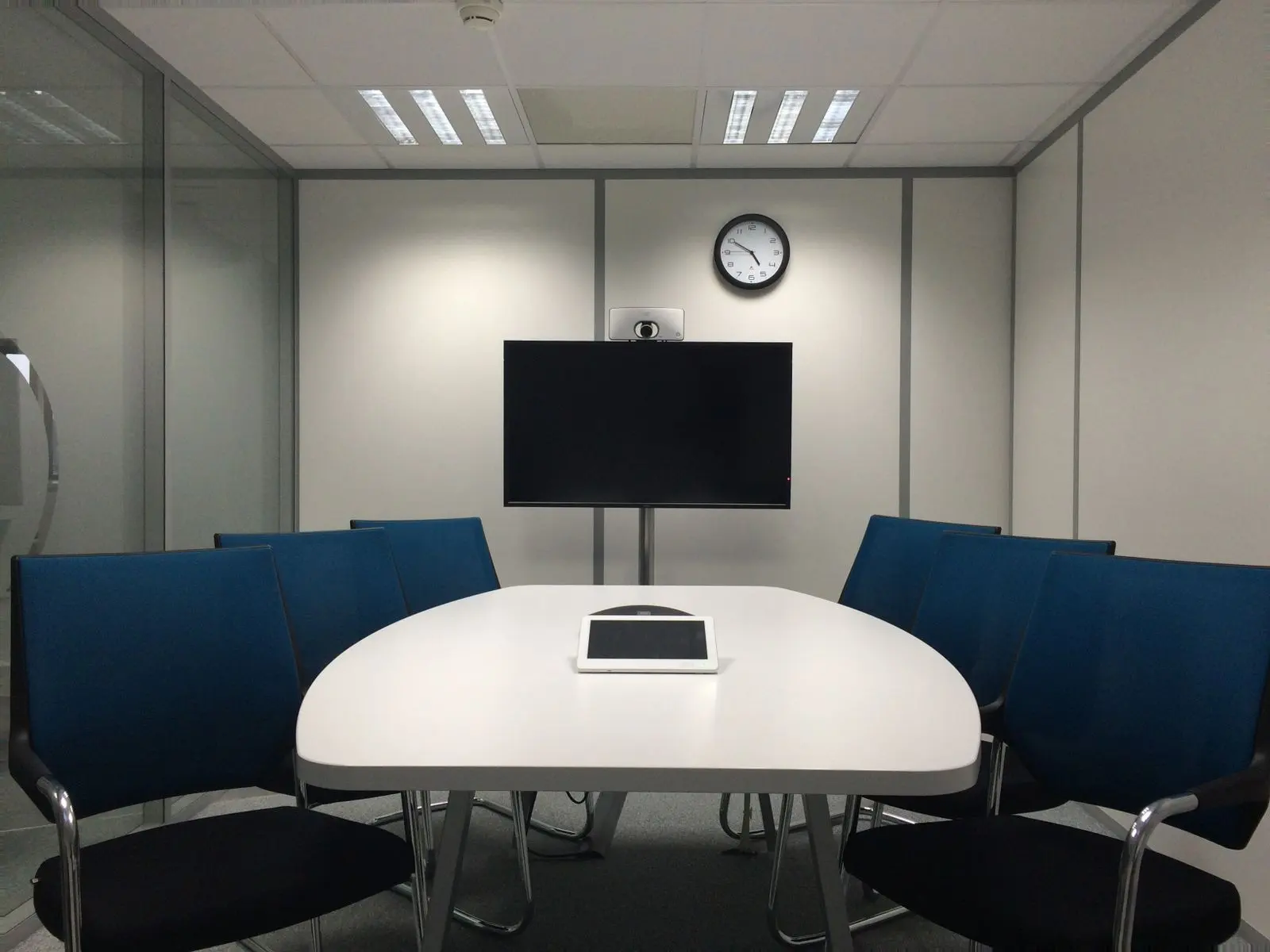
How do you calculate viewing ratio?
AVIXA defines viewing ratio as the farthest viewer's distance divided by the image height. A lower ratio means a larger image relative to the distance, which is needed for smaller text.
For Basic Decision Making, AVIXA publishes a table relating viewing ratio to the minimum element height as a percentage of image height. The values below are taken from AVIXA's published table; the full ADM formulas are in the paid standard, so use AVIXA's free calculators for analytical content.
| Viewing ratio (farthest viewer ÷ image height) | Minimum %Element Height |
|---|---|
| 0.8 – 1.0 | 0.50% |
| 3.0 – 4.0 | 2.00% |
| 9.0 – 10.0 | 5.00% |
Read the table this way: if the farthest seat is ten image-heights away, each character must be at least 5% of the image height to be recognized. If your content uses smaller text, the image must be larger or viewers must sit closer.
How do you choose a display size for your room?
Measure the farthest viewing distance, decide whether the room's content is analytical or basic, run the AVIXA calculator, then pick the display or projection size that meets or exceeds the result.
Display sizing method
- Measure from the display wall to the eyes of the farthest seated viewer.
- List the content the room will show: spreadsheets and drawings (analytical) or slides, video and faces (basic).
- Enter the distance and content type in AVIXA's ADM or BDM calculator to get the minimum image height.
- Convert image height to a display diagonal for the aspect ratio you are using (16:9 for most displays).
- Check the horizontal viewing angle: AVIXA bounds the viewing area by lines 60° from the image edges.
- Choose dual displays, a larger panel, projection or LED if one display cannot meet the requirement.
When does a conference room need dual displays?
When the room regularly shows remote participants and content at the same time. One display forces a choice between seeing faces and reading slides; two displays give each a full-size image.
Dual displays are standard in our medium conference room and boardroom designs. On Microsoft Teams Rooms, dual-screen support requires a Teams Rooms Pro license, so the license decision follows the display decision.
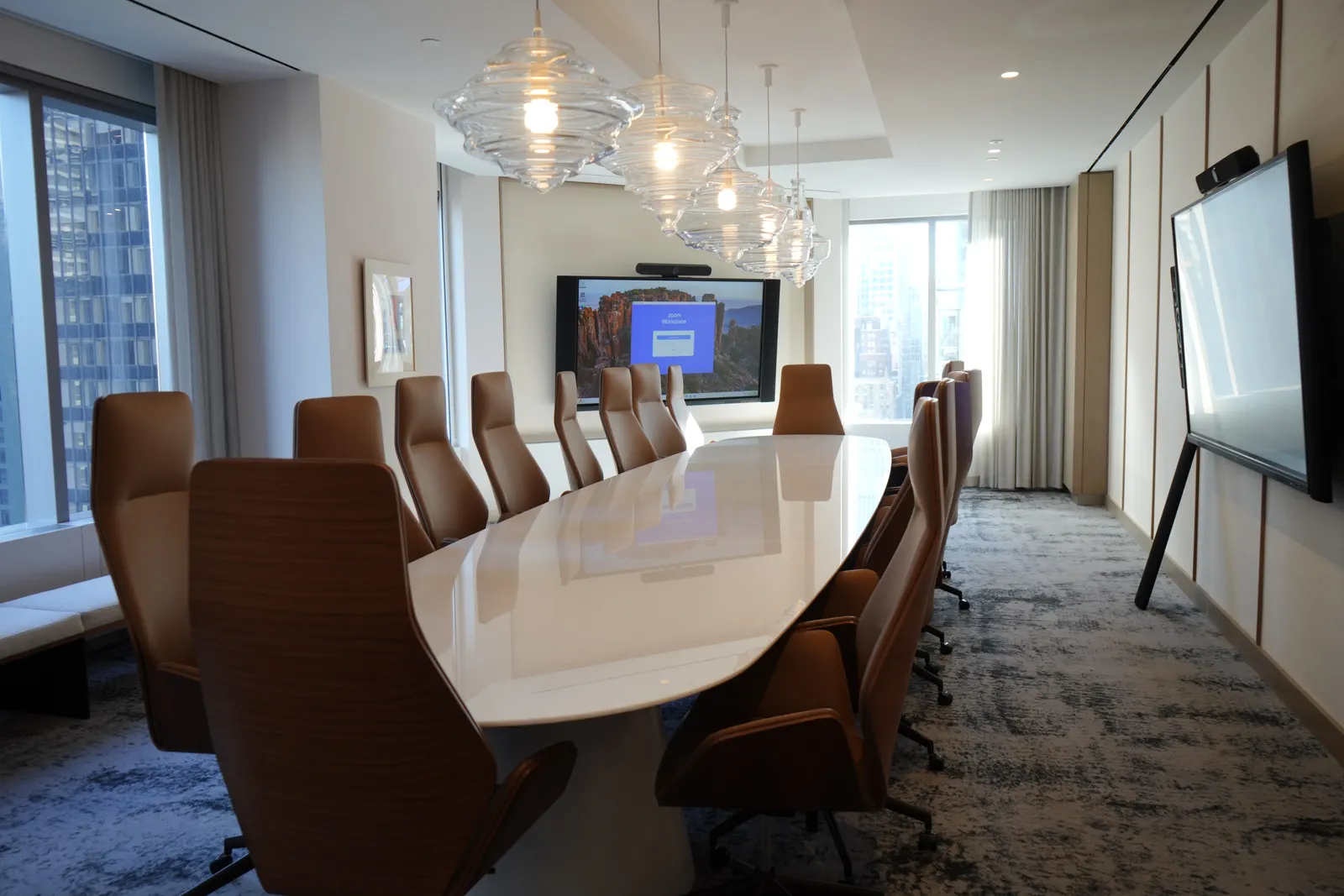
| Room type | Seats | Typical display approach |
|---|---|---|
| Huddle room | 2–4 | Single display |
| Small meeting room | 4–8 | Single or dual displays |
| Medium conference room | 8–12 | Dual displays |
| Large conference room | 12–20 | Larger dual displays, projection or LED |
| Boardroom | 12–24 | Dual/triple displays or fine-pitch LED |
When should you use projection or LED instead?
When the required image is larger than practical flat panels, or the room needs a seamless canvas. Large training rooms, town halls and some boardrooms fall into this category.
Laser projection delivers large images at lower cost but needs light control. Direct-view LED is bright and seamless; its pixel pitch must suit the closest viewing distance. See our video wall installation work, including a roughly 60-foot LED wall in New York.
Frequently Asked Questions
What size TV do I need for a conference room?
It depends on the farthest viewer's distance and the content. Measure to the farthest seat, decide whether people read detailed content or just recognize slides and faces, and use AVIXA's DISCAS calculator to find the minimum image height. Commercial displays rated for daily use are recommended over consumer televisions.
Is there a simple rule of thumb for display size?
Several informal rules circulate, but AVIXA's DISCAS standard replaced them with a content-aware method, and AVIXA does not publish a single rule of thumb. Because detailed content needs a much larger image than basic content, a rule that ignores content type can undersize a room used for spreadsheets or drawings.
What is the difference between ADM and BDM?
Analytical Decision Making (ADM) applies when viewers must read and analyze detail, such as financial models or CAD drawings. Basic Decision Making (BDM) applies when they only need to recognize content, such as slide titles or video. AVIXA uses different acuity factors for each, so ADM content needs a larger image.
Should the display be mounted high so everyone can see it?
Not too high. A display mounted above eye level strains necks, and a camera placed above it looks down on participants. Mount height should balance sightlines over the table with a camera position close to eye level. Sightlines and camera placement are checked together during design.
Do glass-walled rooms change display selection?
Glass affects glare and reflections more than size. Displays facing windows or glass walls can wash out, so brightness, anti-glare finishes and orientation matter. In projection rooms, ambient light from glass walls often makes LED or high-brightness flat panels a better choice.
Can one large display replace two smaller displays?
Sometimes. A single large display or LED canvas can show people and content side by side if the image is large enough that each window still meets the sizing requirement. Two smaller displays are often simpler and cheaper. The decision comes from the sizing calculation, not preference.
Does display size affect Teams Rooms licensing?
The display count does, more than the size. On Microsoft Teams Rooms, dual-screen support is a Teams Rooms Pro feature according to Microsoft's licensing documentation. If a room design calls for two displays, plan for Pro licensing on that room from the start, since Teams Rooms Basic supports single-display rooms.
Size from the farthest seat
Conference room display size is a calculation, not a guess: the farthest viewer, the content type and AVIXA's DISCAS method give you a defensible answer for every room. Apply it once and turn the result into a room standard.
If you are fitting out or upgrading rooms in New York, we can measure every space and specify displays that work from the back of the room.
References
- Display Image Size for 2D Content in Audiovisual Systems — AVIXA
- Learn More About Display Size — AVIXA
- Analytical and Basic Decision Making Calculations — AVIXA
- Microsoft Teams Rooms licenses — Microsoft Learn
References verified and re-checked at each scheduled review. Read our editorial policy.