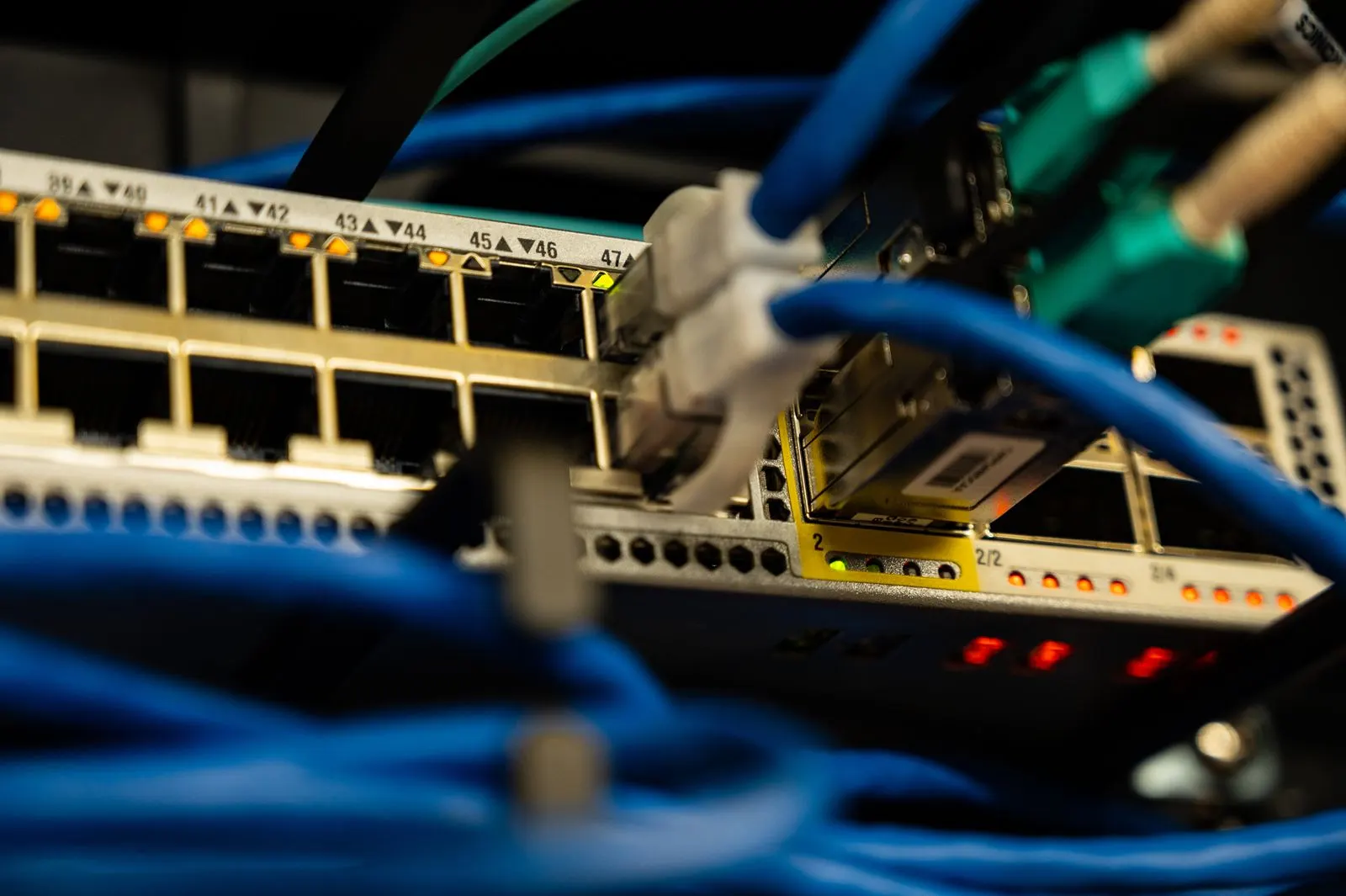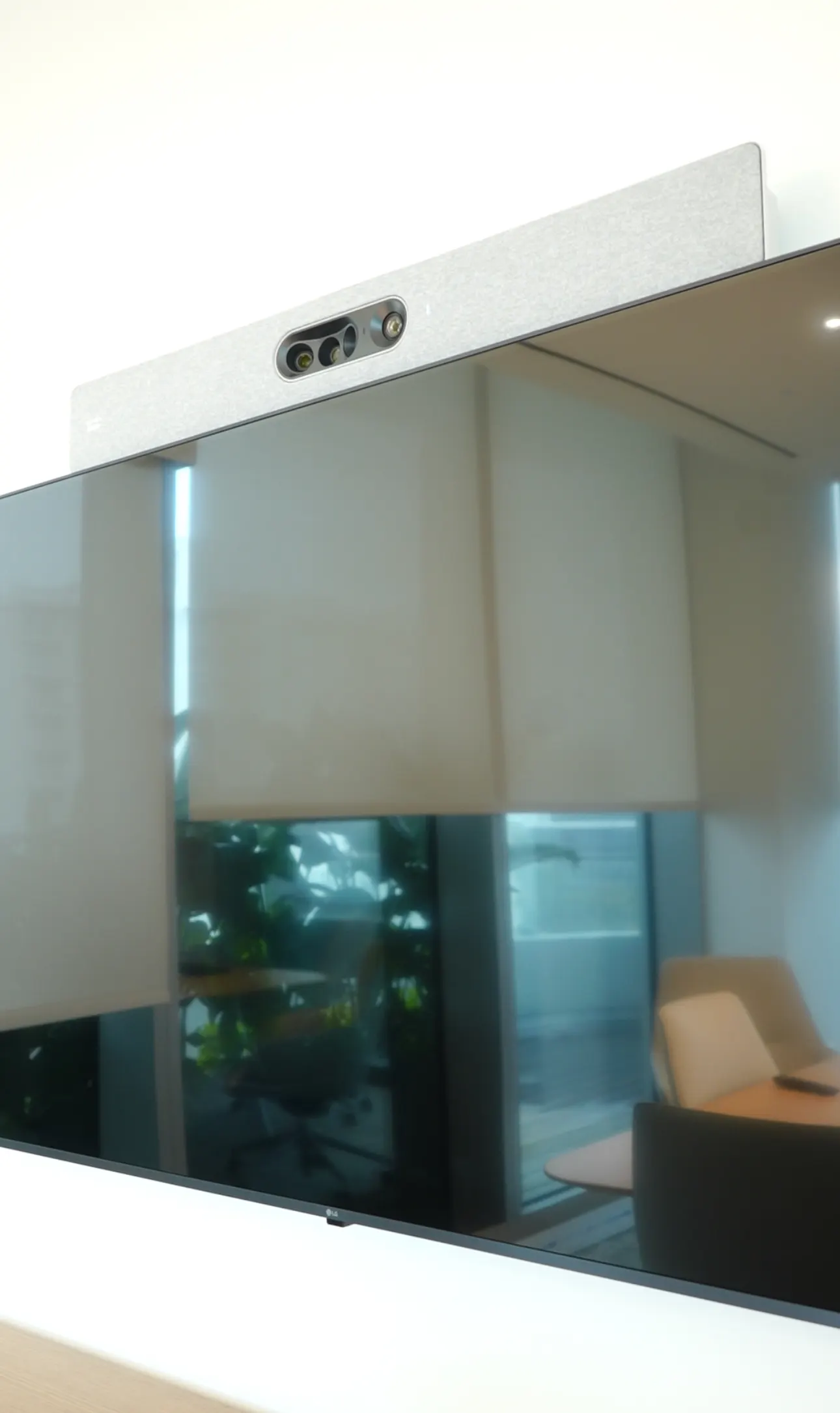

A high-resolution display and an advanced video conferencing camera mean very little if remote participants cannot clearly hear the conversation. Audio quality remains one of the most important aspects of a successful hybrid meeting. Ceiling microphones and tabletop microphones are the two most common choices, and each has advantages depending on room size, acoustics, seating and how the room is used.
On this page
- What are ceiling microphones?
- What are tabletop microphones?
- Ceiling vs tabletop microphones: key differences
- Which conference room microphones work best for different room sizes?
- How does beamforming technology improve hybrid meetings?
- Why do room acoustics matter more than microphone price?
- How do microphones integrate with Microsoft Teams and Zoom?
- How much does conference room microphone installation cost?
- Choosing the right microphone system for your New York office
- Frequently asked questions
- References
What are ceiling microphones?
Ceiling microphones are audio capture devices installed above the meeting area, either suspended from the ceiling or integrated into ceiling tiles. Modern ceiling array microphones use beamforming to create directional pickup zones, capturing speech from designated areas while reducing unwanted background noise.
Depending on the model, these systems can include acoustic echo cancellation (AEC), digital signal processing (DSP), automatic gain control, adaptive beamforming, noise reduction, network-based audio distribution and integration with speaker-tracking cameras. See the Shure MXA925 user guide for an example of how a current ceiling array is configured.
Advantages of ceiling microphones
- Cleaner tables: fewer devices and cables on the conference table.
- Flexible seating: works with changing layouts when coverage zones are designed appropriately.
- Discreet installation: flush-mounted units that blend into modern interiors.
- Advanced speech capture: integrates with compatible DSPs and voice-tracking cameras.
Limitations: high ceilings, reflective surfaces, air conditioning and poor room acoustics can all reduce performance. Professional ceiling microphone installation means evaluating mounting height, pickup coverage, network infrastructure and acoustic conditions first.
What are tabletop microphones?
Tabletop microphones are placed directly on the conference table, closer to the people speaking. They come as boundary microphones, gooseneck microphones, wireless microphones and tabletop microphone arrays. Being close to the talker improves the direct speech signal relative to surrounding noise.

Advantages of tabletop microphones
- Clear speech capture, particularly in acoustically challenging rooms.
- Wired and wireless options that suit existing infrastructure.
- Effective coverage for huddle rooms and small conference rooms.
- Potentially lower installation cost and individual microphone control, depending on the system.
Limitations: tabletop microphones occupy table space and may need cable management. They can pick up keyboard typing, paper movement and table vibration, and wireless models need battery management and charging.
Ceiling vs tabletop microphones: key differences
Neither technology is universally superior. Ceiling microphones win on clear tables and flexible layouts; tabletop microphones win on proximity and simpler installation. The best choice depends on how the conference room is designed and used.
| Feature | Ceiling microphones | Tabletop microphones |
|---|---|---|
| Location | Overhead | Conference table |
| Audio capture | Configured coverage zones | Close-range pickup |
| Table space | Unobstructed | Requires space |
| Cabling | Can be fully concealed | Wired or wireless |
| Flexibility | High with suitable design | Placement dependent |
| Acoustics | Sensitive to reverberation | Benefits from proximity |
| Installation | Generally more complex | Generally simpler |
| Applications | Boardrooms, flexible spaces | Huddle rooms, fixed seating |
| Investment | Often higher | Varies by configuration |
Which conference room microphones work best for different room sizes?
Small huddle rooms usually need only a tabletop microphone or integrated video bar. Medium rooms can use either technology. Large boardrooms need multiple ceiling arrays or distributed tabletop microphones with DSP, and multipurpose rooms with movable furniture tend to suit overhead systems.
- Small huddle rooms (about 2–6 people): a tabletop microphone or integrated video bar may provide enough coverage, with a simple setup that is easy to operate.
- Medium conference rooms (6–12 people): ceiling arrays support clean tables and flexible collaboration, while tabletop arrays work well when seating stays consistent.
- Large boardrooms: multiple ceiling arrays or strategically distributed tabletop microphones give consistent coverage across long tables. DSP becomes important for managing multiple audio sources. See our boardroom AV work.
- Training and multipurpose rooms: spaces with movable furniture and changing layouts may benefit from overhead microphones. Presenter microphones and additional equipment may also be needed.
For certified hardware matched to each room size, see Best Microsoft Teams Rooms Devices for Every Room Size (2026).
How does beamforming technology improve hybrid meetings?
Beamforming arrays combine signals from multiple microphone elements to create directional pickup patterns electronically. Properly configured, they improve speech intelligibility, reduce sound from outside the pickup areas, cover multiple seating positions and can feed talker location to compatible speaker-tracking cameras.
Beamforming is available in both ceiling arrays and tabletop arrays. Its effectiveness depends on placement, acoustics and configuration, so a beamforming microphone still needs to be designed into the room rather than simply mounted.
Why do room acoustics matter more than microphone price?
Expensive microphones do not automatically guarantee high-quality audio. New York offices often have glass partitions, exposed ceilings and concrete surfaces that create reverberation, and no microphone can fully compensate for a room that echoes.
What to evaluate before choosing microphones
- Ceiling height and room dimensions
- Reflective surfaces such as glass and concrete
- HVAC noise
- Loudspeaker positioning
- Existing acoustic treatment
- Distance between talkers and microphones
Acoustic panels, appropriate placement and a professionally configured digital signal processor with acoustic echo cancellation can all improve performance.
How do microphones integrate with Microsoft Teams and Zoom?
Whether your organization uses Microsoft Teams Rooms, Zoom Rooms or another platform, microphone selection has to account for the complete AV ecosystem. Microphones, DSPs, loudspeakers, cameras, touch panels and conferencing hardware should work together without anyone configuring equipment before each meeting.
Check that the microphone, or the DSP it connects through, is part of a supported or certified configuration for your platform. We plan this as part of every Microsoft Teams Rooms and Zoom Rooms deployment.
How much does conference room microphone installation cost?
The total investment depends on equipment quantity, ceiling accessibility, low-voltage cabling, DSP requirements, network infrastructure, acoustic treatment and commissioning. Ceiling systems may cost more up front but offer architectural integration and flexible coverage; tabletop solutions may be more economical for smaller rooms.
A professional AV site assessment is the most effective way to establish a realistic budget.
Choosing the right microphone system for your New York office
Answer six questions about the room before choosing a microphone type: how many people use it, how the seating works, how it sounds, what the table should look like, what it connects to and how it may grow.
- How many participants typically use the meeting room?
- Is the seating arrangement fixed or flexible?
- Does the room have acoustic or background noise problems?
- Is a clutter-free conference table a priority?
- Will the microphones integrate with existing conferencing equipment?
- Does the system need to accommodate future expansion?
Frequently Asked Questions
Are ceiling microphones better than tabletop microphones?
Neither is better in every room. Ceiling microphones are ideal for unobstructed tables and flexible layouts, while tabletop microphones can deliver excellent speech capture because they are closer to participants. The better option depends on room conditions.
Can ceiling microphones eliminate background noise?
Beamforming and noise reduction can help minimize unwanted sounds, but they cannot eliminate every source of background noise.
How many microphones does a conference room need?
The number depends on room dimensions, seating capacity, the coverage specifications of the chosen microphones and the room acoustics.
Can ceiling microphones work with Microsoft Teams Rooms?
Yes. Compatible models can be integrated through supported audio interfaces, DSPs or certified configurations.
Can I upgrade microphones without replacing the entire AV system?
In many cases, yes. An AV specialist can evaluate your existing equipment and its compatibility with new microphones.
Upgrade your conference room audio with AV Company New York
Every conference room has different audio requirements. Selecting equipment without evaluating architecture, acoustics and collaboration needs can lead to unnecessary expenses and inconsistent meetings.
At AV Company New York, we help businesses plan conference room AV around their workplace requirements, bringing together audio systems, video conferencing and integrated room controls. Whether you are upgrading a boardroom or designing a new hybrid meeting room, the right microphone system makes conversations clearer and more productive.
References
- MXA925 Ceiling Array Microphone user guide — Shure
- Ceiling Array Microphones — Shure
- AEC in Tesira — Biamp
- Teams Rooms certified systems and peripherals — Microsoft Learn
References verified and re-checked at each scheduled review. Read our editorial policy.