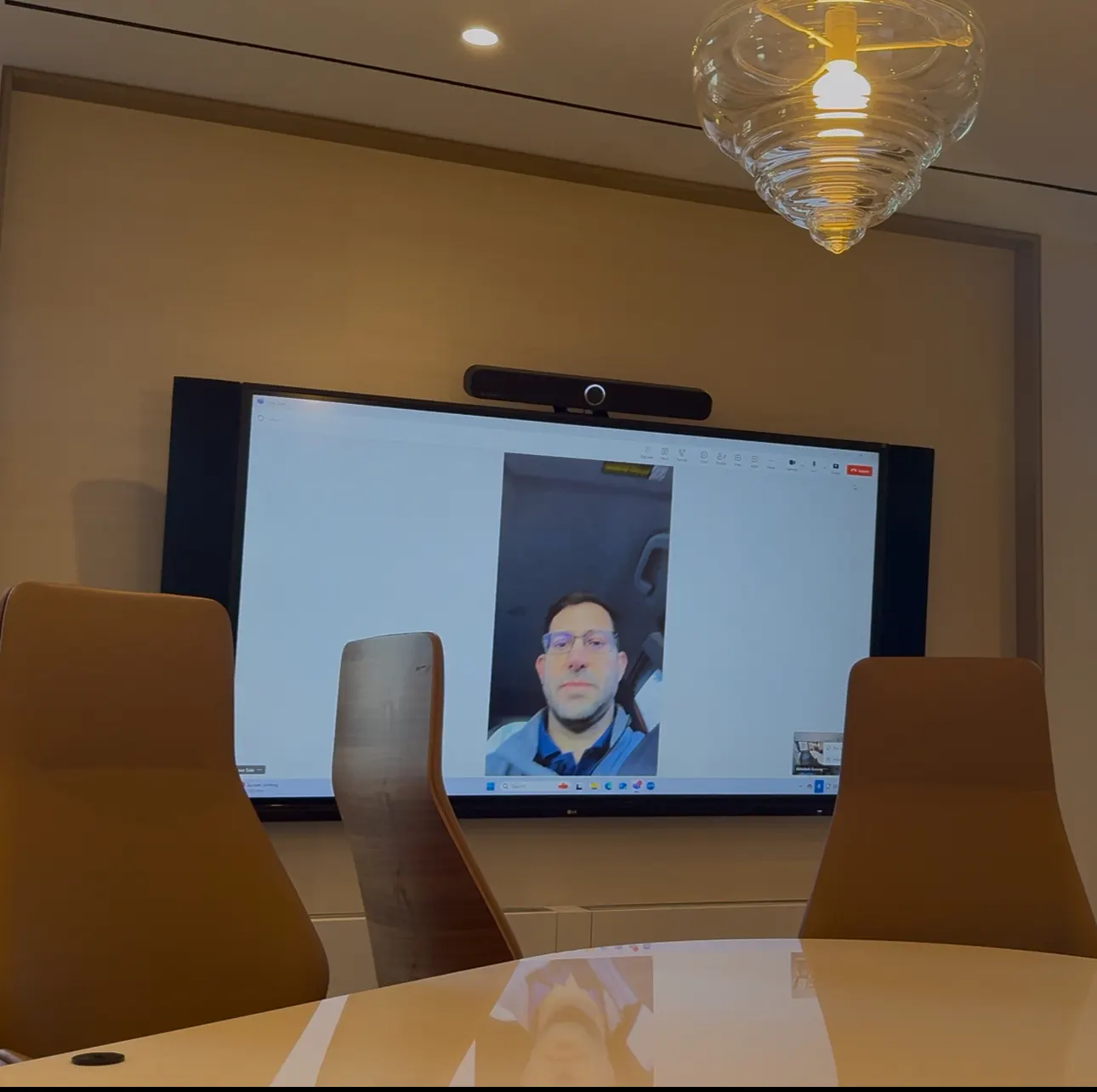

Use a video bar when every seat is within the bar's rated microphone and camera range; use a modular system when the room is too long, too wide or too complex for one device at the front. A video bar puts the camera, microphones, speakers and often the meeting software in one unit. A modular system separates them, so microphones can sit over the table and cameras can go where they see faces. Microsoft notes that Android Teams Rooms devices are typically all-in-one, while Windows systems use separate peripherals.
On this page
What is the difference between a video bar and a modular system?
A video bar is a single device mounted above or below the display that contains the camera, microphones and speakers, and often runs Teams or Zoom itself. A modular system uses separate components: one or more cameras, ceiling or table microphones, a digital signal processor (DSP), loudspeakers, a compute unit and a touch console.
Most platforms offer both styles. Cisco's own Teams-certified range, for example, includes the Cisco Room Bar and Room Bar Pro as well as the modular Room Kit Pro, all on Microsoft's Android certified list. Microsoft's Windows list is mostly compute units and room kits, such as Shure IntelliMix Room Kits and Lenovo ThinkSmart Core Full Room Kits.
Video bar vs modular system: how do they compare?
A video bar is faster to install, simpler to manage and consistent across many rooms. A modular system covers larger and more complex rooms, places microphones and cameras where they work best, and can be expanded or upgraded one part at a time.
| Question | Video bar | Modular system |
|---|---|---|
| What is in the box | Camera, microphones, speakers, often compute | Separate cameras, microphones, DSP, speakers, compute, console |
| Typical rooms | Huddle, small and medium rooms | Large rooms, boardrooms, training and multipurpose rooms |
| Microphone coverage | Limited to the bar's rated pickup from the front of the room | Ceiling or table microphones placed over every seat |
| Cameras | One built-in camera (some bars have two) | One or more cameras placed for the best angles, plus content cameras |
| Displays | One or two | Two or more, plus confidence monitors |
| Installation | Mount, cable and configure in a day or less | Designed, installed and tuned per room |
| Management | One device to update and monitor | Several devices; Windows offers peripheral health monitoring |
| Upgrades and failures | Replace the whole unit | Replace or upgrade one component |
When is a video bar enough?
A video bar is enough when the farthest seat is inside its rated microphone and camera range, the room is a regular shape, and one or two displays at one end will do. That covers most huddle, small and medium rooms.
A video bar usually works when
- The farthest seat is in range: HP rates the Poly Studio X32, X52 and X72 for microphone pickup of up to 15, 20 and 25 feet, and for rooms of about 15 × 10, 20 × 15 and 28 × 15 feet (HP).
- Everyone faces one wall: the table points at the display, so one camera at the front sees every face.
- You are rolling out many rooms: identical bars keep training, support and spares simple.
- The room has no unusual needs: no divisible walls, no lectern, no in-ceiling speakers to reuse.
For which certified bars fit which room size, see our guide to the best Teams Rooms devices.
When do you need a modular system?
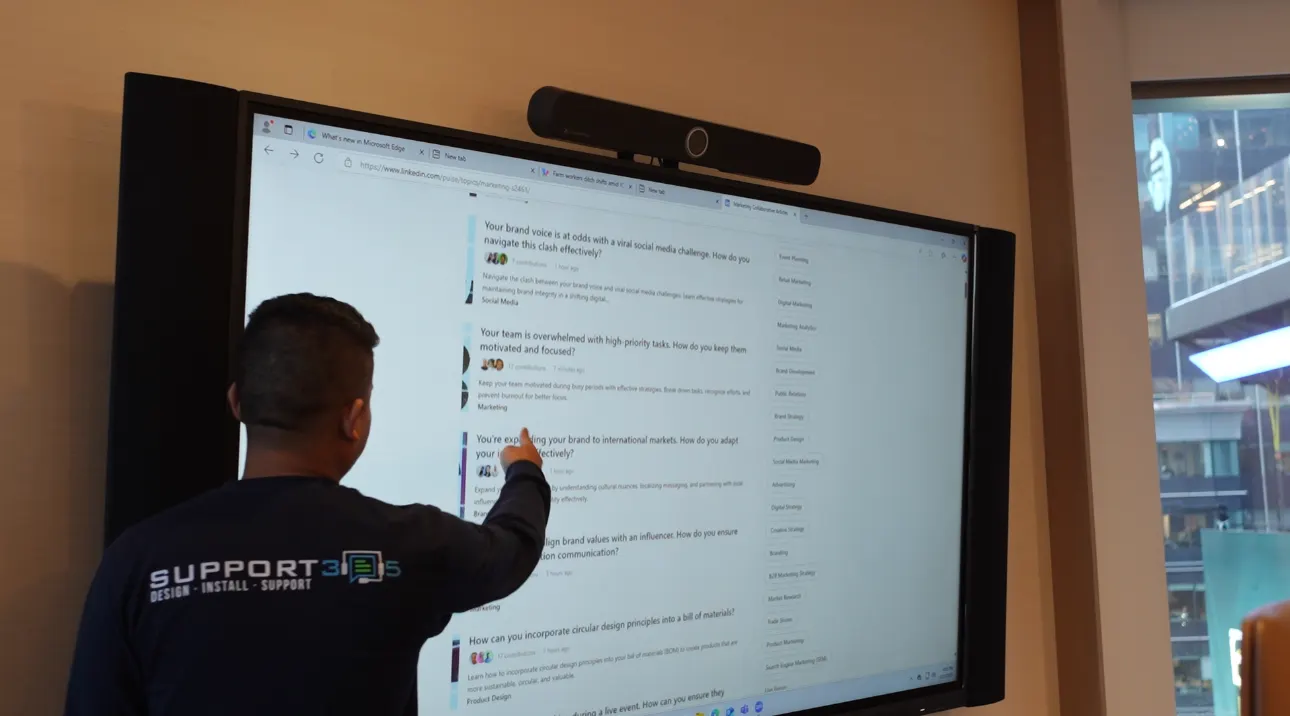
You need a modular system when people at the far end of the table would be outside a video bar's range, when the room needs more than one camera or display, or when the room has special requirements such as divisible walls, a presenter position or concealed equipment.
Signs a room needs a modular system
- Long or wide tables: seats beyond the bar's rated pickup. Ceiling microphone arrays cover the table from above instead of from the far wall.
- Echo and room sound: a DSP tunes acoustic echo cancellation for the room; Biamp describes AEC as removing the echo that occurs naturally in teleconferencing.
- More than one camera: presenter and audience views, or cameras on two walls. In Teams Rooms this needs a Pro license.
- Divisible rooms: two rooms that open into one need audio and video that combine and split.
- Boardrooms with hidden hardware: equipment in ceilings, joinery or a rack instead of on the wall.
- Reusing infrastructure: existing ceiling speakers, amplifiers or room control.
Can you combine a video bar with modular parts?
Yes, and it is often the best answer for medium-to-large rooms. Many certified setups pair a video bar or meeting hub with extra microphones or cameras, which extends coverage without a full custom system.
Microsoft's Android certified list includes combinations such as a Barco ClickShare Hub with a Sennheiser TeamConnect Bar, and an AudioCodes RXV200 hub with a camera and a Shure large-room kit. These hybrid setups keep the simplicity of a single meeting device while placing microphones nearer the people talking. Check that the exact combination is certified for your platform before you buy.
How should you decide for each room?
Measure the room, count the displays and cameras it needs, confirm your platform and license, and check what the ceiling and walls allow. Rooms that pass every check for a video bar get one; the rest get a hybrid or modular design.
Room-by-room checklist
- Measure the distance from the display wall to the farthest seat and compare it with the device's rated pickup and room size.
- Count displays and cameras; two or more of either usually means a modular or hybrid design and a Pro license in Teams Rooms.
- Confirm the platform (Teams Rooms, Zoom Rooms or Webex) and choose certified hardware for it.
- Check the ceiling type and height for ceiling microphones and speakers.
- Note special needs: divisible walls, a lectern, hidden equipment or existing AV to reuse.
- Plan who will monitor and update the rooms after handover.
We design both kinds of rooms for New York offices. See our conference room AV, boardroom AV and commercial audio services.
Frequently Asked Questions
How big a room can a video bar cover?
It depends on the model. HP rates its Poly Studio X32, X52 and X72 for rooms of about 15 by 10, 20 by 15 and 28 by 15 feet, with microphone pickup of up to 15, 20 and 25 feet. Compare your farthest seat with the rated pickup of the bar you are considering.
Is a modular system better than a video bar?
Not automatically. In a small or medium room a video bar is often the better choice because it is simpler to install, manage and replace. A modular system is better when the room is too large or complex for one device at the front, or needs several cameras, displays or hidden equipment.
Can I add microphones to a video bar?
Many video bars accept extension microphones, and some certified kits pair a bar or meeting hub with ceiling or table microphones. Check the manufacturer's supported accessories and the platform's certified list, since an uncertified combination may not be supported.
Do modular systems need a Teams Rooms Pro license?
Not always, but often. Teams Rooms Pro is required for multi-camera support and dual screens, which many modular rooms use. A modular room with one camera and one display can run on Teams Rooms Basic, within Microsoft's limit of 25 Basic licenses.
Which is easier for IT to manage?
Video bars, because each room is one device to update and monitor. Modular systems have more parts, but Teams Rooms on Windows adds connected peripheral health monitoring, and Pro management adds alerts and remote configuration across rooms.
Does the same choice apply to Zoom Rooms and Webex?
Yes. Zoom Rooms and Cisco Webex rooms also come as all-in-one bars or modular kits, and the same tests apply: microphone reach, camera angles, number of displays and room complexity. Choose hardware certified for the platform you run.
Let the farthest seat decide
If every seat is within the bar's rated range and the room is simple, a video bar is the better choice. If not, add microphones and cameras where people sit, with a hybrid or fully modular system.
If you are planning conference rooms in New York, we can survey each room and recommend a video bar, a hybrid setup or a modular design.
References
- Understand differences between Microsoft Teams Rooms on Android and Windows — Microsoft Learn
- Teams Rooms on Android certified devices — Microsoft Learn
- Teams Rooms certified systems and peripherals — Microsoft Learn
- Microsoft Teams Rooms licenses — Microsoft Learn
- Poly Studio X series all-in-one video bars — HP
- Ceiling Array Microphones — Shure
- AEC in Tesira — Biamp
References verified and re-checked at each scheduled review. Read our editorial policy.