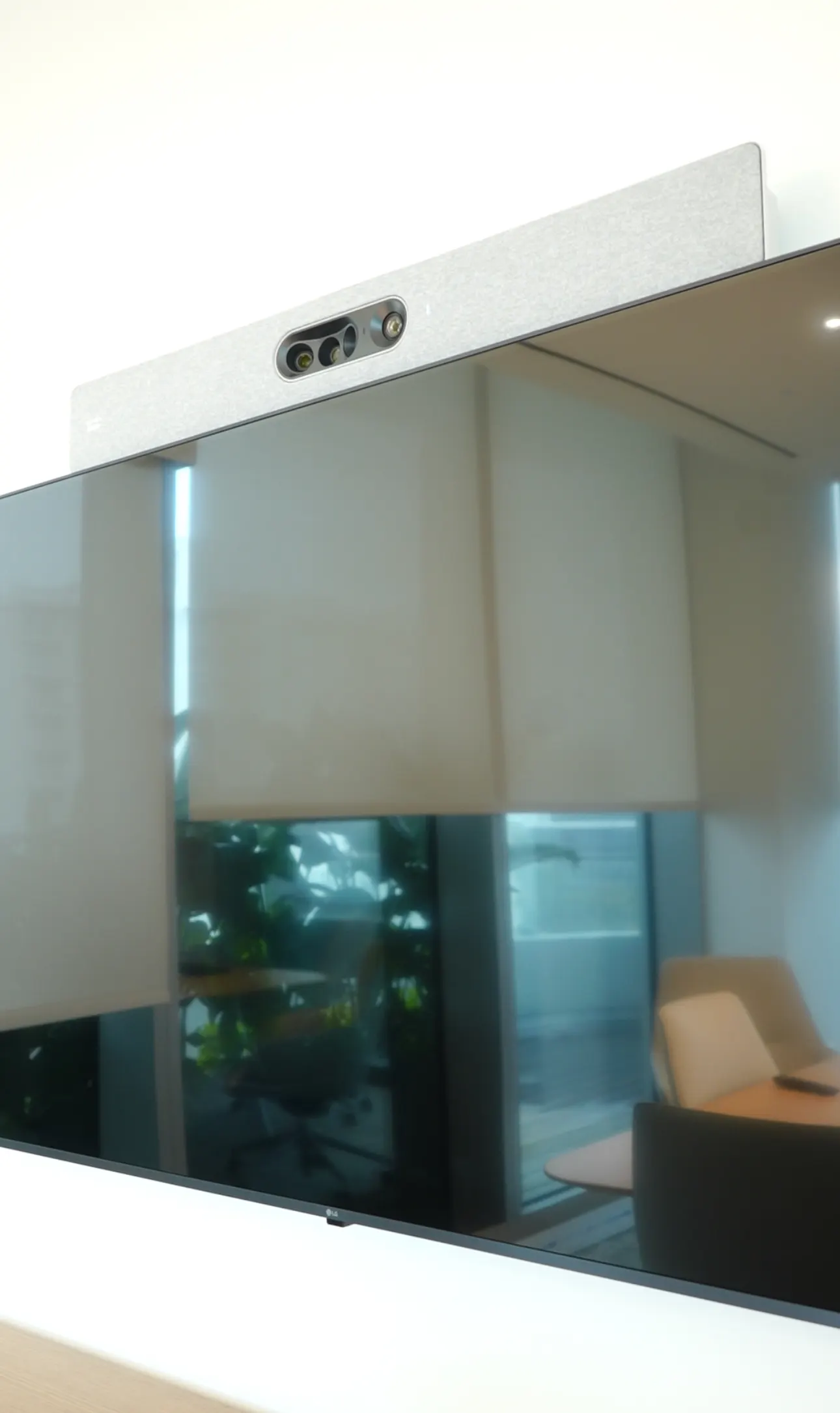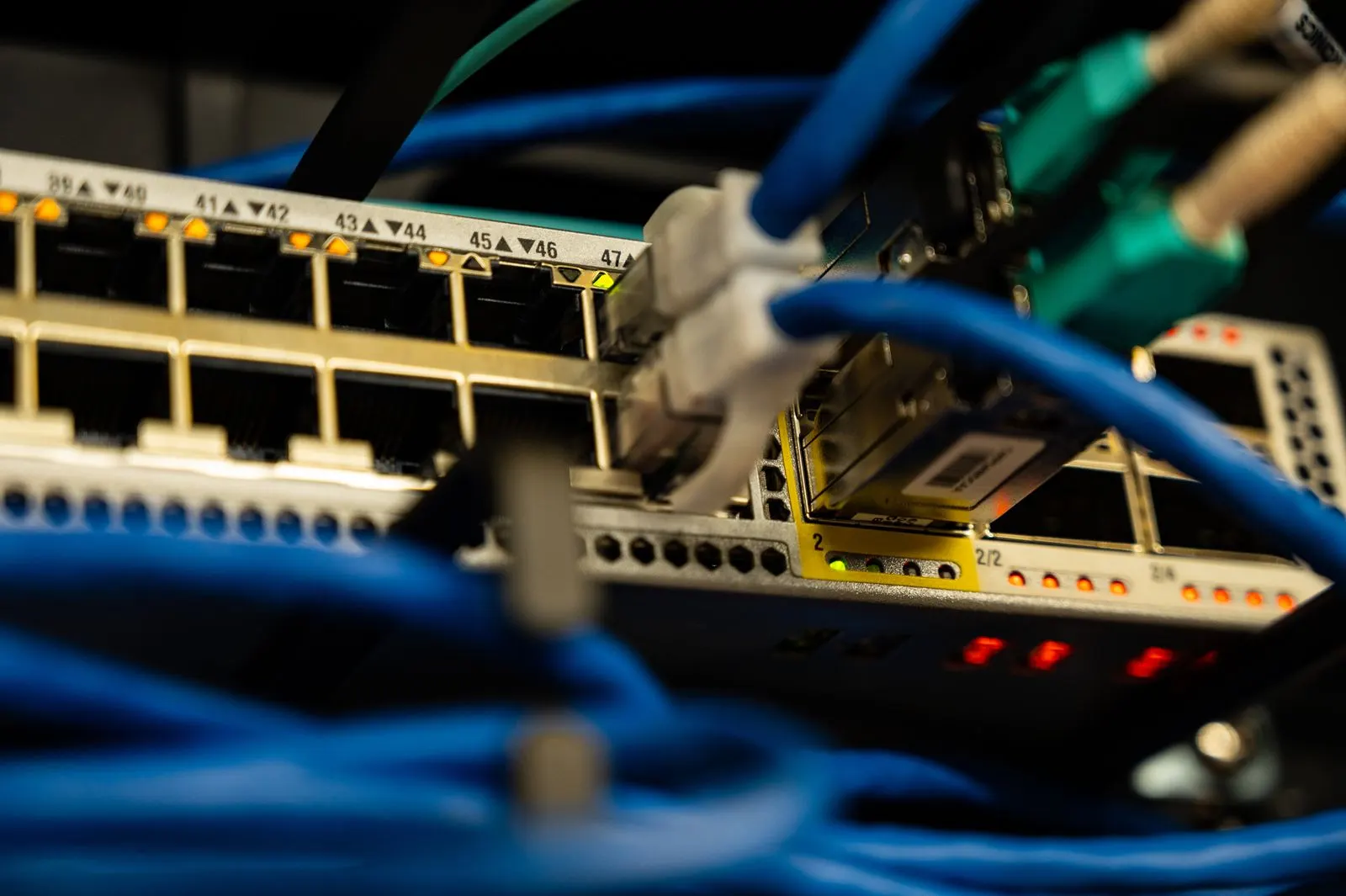

Choose AV-over-IP when content has to move across many rooms or floors and the system will keep growing; choose traditional AV distribution when equipment locations are fixed and the system is small. Businesses no longer need AV only in individual conference rooms. They need connected workplaces where presentations, video, announcements and collaboration tools work across rooms and floors. Both technologies have their place in modern commercial AV installations.
On this page
- What is AV-over-IP?
- How does traditional AV distribution work?
- AV-over-IP vs traditional AV distribution: key differences
- Why are businesses investing in AV-over-IP?
- When is traditional AV distribution still the better choice?
- What network does an AV-over-IP installation need?
- Does AV-over-IP affect video quality?
- Which commercial environments benefit most from AV-over-IP?
- AV-over-IP vs traditional AV: which costs more?
- Can businesses upgrade to AV-over-IP without replacing everything?
- How to choose the right AV distribution system for your office
- Frequently asked questions
- References
What is AV-over-IP?
AV-over-IP (Audio Visual over Internet Protocol) distributes audio, video and, in some systems, control signals through an IP-based network rather than relying only on dedicated AV connections.
A typical system includes AV encoders, decoders, managed network switches, Ethernet or fiber-optic cabling, network-connected displays, system management software and AV control processors.
The encoder converts incoming audiovisual signals into network data. The network carries that data to the right decoder, which converts it back into a format the destination display or device supports. Industry approaches include SDVoE, IPMX and, for audio, Dante. See our AV-over-IP glossary entry.
How does traditional AV distribution work?
Traditional distribution uses dedicated audiovisual connections such as HDMI, SDI and HDBaseT to carry signals between sources and destinations, routed through matrix switchers, extenders and distribution amplifiers in a central equipment rack.
A matrix switcher routes content from multiple inputs to multiple outputs within its configuration limits. Traditional systems remain reliable when equipment locations, signal routes and expansion requirements are predictable.
AV-over-IP vs traditional AV distribution: key differences
AV-over-IP trades dedicated cabling and fixed switch sizes for network-based routing that grows with the network, at the cost of higher network dependency and closer AV and IT coordination. Traditional AV is simpler and often lower latency for fixed, smaller systems.
| Feature | AV-over-IP | Traditional AV |
|---|---|---|
| Transmission | IP network | Dedicated connections |
| Hardware | Encoders, decoders, switches | Matrix switchers, extenders |
| Scalability | Within network capacity | Within available inputs and outputs |
| Cabling | Ethernet or fiber | HDMI, HDBaseT, SDI |
| Routing | Network-based | Dedicated switching |
| Network dependency | High | Generally lower |
| Complexity | AV and IT coordination | Depends on size and routes |
| Latency | Codec and architecture dependent | Often very low |
| Applications | Multiroom, expandable systems | Fixed or smaller systems |
Why are businesses investing in AV-over-IP?
The main reasons are scalability across rooms and floors, flexible routing of any source to any display, central management, simpler infrastructure planning and the ability to adapt as the workplace changes.
- Scalability across commercial spaces: a company that starts with a few conference rooms can later add training areas, signage, boardrooms and floors by adding compatible endpoints rather than replacing a central matrix. Bandwidth, switch capacity and compatibility still have to be planned.
- Flexible audio and video distribution: authorized users can route content between compatible sources and destinations, for example sending a boardroom presentation to training rooms, breakout spaces and selected displays across the building.
- Centralized management: compatible platforms let teams monitor device status, troubleshoot connectivity, manage routing and apply supported updates without visiting every room.
- Flexible infrastructure planning: distribution can run over Ethernet and fiber instead of a dedicated cable between every source and destination. Existing networks are not automatically suitable; upgraded switches, cabling or dedicated network segments may be required.
- Evolving workplace requirements: when conference rooms become training spaces or new displays are added, AV-over-IP adapts if future capacity was built into the original design.
When is traditional AV distribution still the better choice?
Traditional AV is usually the better choice for standalone conference rooms, fixed systems with little expected growth, applications with strict latency limits and older buildings whose networks would need costly upgrades.
- Standalone conference rooms: one source, one display and integrated conferencing rarely need networked distribution. HDMI or HDBaseT is dependable without extra complexity.
- Fixed AV environments: predictable equipment locations and limited expansion suit conventional matrix-based systems.
- Strict latency requirements: some live production and presentation environments need extremely low delay. Dedicated connections may be preferable, although some AV-over-IP platforms are also very low latency. Choose based on measured requirements.
- Limited network infrastructure: older buildings may lack the capacity for demanding AV-over-IP, and network upgrades can make conventional distribution more practical.
What network does an AV-over-IP installation need?
AV-over-IP needs enough bandwidth for every simultaneous stream, managed switches configured for AV traffic, appropriate segmentation, cabling rated for the platform, and security built in from the start, all agreed between the AV integrator and the IT team.

- Bandwidth: high-resolution streams need capacity that depends on resolution, frame rate, compression and platform. Some systems run over 1 Gigabit Ethernet; others need 10 Gigabit or more. The network must carry all simultaneous traffic combined.
- Managed network switches: let administrators configure and monitor traffic. Depending on the platform, Quality of Service (QoS), IGMP snooping and multicast management may be required.
- Network segmentation: VLANs or a dedicated AV network keep audiovisual traffic separate from other business applications, configured to the equipment and your IT policies.
- Ethernet and fiber cabling: copper Ethernet is enough for many office runs; fiber supports longer distances and higher capacity between floors or buildings.
- Network security: device authentication, access permissions, firmware management and segmentation belong in the design. AV specialists and IT teams need to work together.
Shure publishes a useful enterprise network troubleshooting checklist covering many of the same switch settings for networked audio.
Does AV-over-IP affect video quality?
AV-over-IP does not inherently reduce quality. Performance depends on the transmission technology, compression, network capacity and endpoints. Some platforms prioritize bandwidth efficiency, while others prioritize visually lossless or uncompressed transmission.
Evaluate supported resolution, frame rate, color accuracy, chroma subsampling, compression, latency, HDCP compatibility and audio-video synchronization. Digital signage may have very different requirements from a boardroom or a mission-critical operations center.
Which commercial environments benefit most from AV-over-IP?
Multistory headquarters, enterprise signage, large training facilities and flexible workspaces benefit most. Small standalone rooms are usually best served by traditional AV, and many buildings land on a hybrid of the two.
| Environment | Recommended approach |
|---|---|
| Small standalone conference rooms | Traditional AV |
| Fixed single-floor offices | Traditional or hybrid AV |
| Multistory headquarters | AV-over-IP or hybrid AV |
| Enterprise digital signage | AV-over-IP or IP-based signage |
| Large training facilities | AV-over-IP or hybrid AV |
| Command and control centers | Application-specific networked or dedicated AV |
| Flexible workspaces | AV-over-IP or hybrid AV |
A hybrid approach combines traditional connections inside each room with networked technology linking the rooms. Large-format displays follow the same logic; see LED vs LCD Video Walls and our digital signage service.
AV-over-IP vs traditional AV: which costs more?
There is no universal cost advantage. Traditional AV may be more economical for small installations, while AV-over-IP may provide better long-term value in larger environments that expand often. Compare total cost of ownership, not just hardware.
Traditional systems may need dedicated cabling, matrix switchers and extenders. Networked systems need encoders, decoders, switches, suitable cabling and possibly additional IT infrastructure. Include existing infrastructure, installation and programming labor, maintenance, expansion, system management and hardware replacement in the comparison.
Can businesses upgrade to AV-over-IP without replacing everything?
Yes. Existing displays, sources and compatible audio equipment can often be kept and connected through suitable encoders, decoders and interfaces, and a phased migration can introduce networked distribution gradually while the office keeps working.
An AV specialist should evaluate compatibility, network capacity and long-term requirements before the first phase is ordered.
How to choose the right AV distribution system for your office
Six questions decide most projects: how much connects, how far it travels, how much it will grow, what the network can carry, what quality and latency you need, and who will manage it.
- How many sources and displays need to be connected?
- Will content be distributed across multiple floors?
- Does the business expect to add rooms or displays?
- Can the existing network support audiovisual traffic?
- Are there specific video quality or latency requirements?
- Does the organization have resources to manage networked equipment?
Frequently Asked Questions
What is the main difference between AV-over-IP and traditional AV distribution?
AV-over-IP distributes signals through an IP network, while traditional systems generally use dedicated connections and switching equipment.
Does AV-over-IP require an internet connection?
No. AV-over-IP can run entirely over a private local network without any public internet connectivity.
Can AV-over-IP support 4K video?
Yes. Many platforms support 4K when the encoders, decoders, displays and network infrastructure all meet the necessary specifications.
Can AV-over-IP use an existing office network?
Potentially. Evaluate bandwidth, switch capabilities, security and platform compatibility first; many projects use a dedicated VLAN or a separate AV network.
Is AV-over-IP better for large commercial buildings?
It can be particularly beneficial because of flexible routing and easier expansion, but suitability still depends on the building infrastructure and the application.
Can traditional AV and AV-over-IP systems work together?
Yes. Hybrid architectures combine dedicated audiovisual connections within rooms with network-based distribution between them.
Build a scalable commercial AV system with AV Company New York
The success of a commercial AV installation depends on choosing technology that matches how you operate, your building infrastructure and your expansion plans.
At AV Company New York, we help businesses evaluate their audiovisual needs and design integrated AV systems for conference rooms, commercial displays, video walls and collaborative workspaces. Whether you are upgrading a traditional system or planning networked infrastructure, professional AV system design helps avoid unnecessary equipment costs, connectivity issues and scalability limits.
References
- SDVoE Technology — SDVoE Alliance
- What Is IPMX? — AIMS Alliance
- What is Dante? — Audinate
- HDBaseT Technology — HDBaseT Alliance
- HDCP Specifications — Digital Content Protection, LLC
- Enterprise network troubleshooting checklist — Shure
References verified and re-checked at each scheduled review. Read our editorial policy.