
The best Teams Rooms device is the certified one rated for your room's size: an all-in-one Android video bar for small and medium rooms, and a Windows system with separate cameras and ceiling microphones for large rooms. Microsoft plans rooms as small (4–6 people), medium (6–12) and large (12–16), plus multipurpose rooms of 16 or more, and publishes certified device lists for each platform. Start there, then match the hardware to the room.
On this page
How do you choose a Teams Rooms device?
Choose in four steps: confirm the room size and layout, pick Android or Windows, check the device is on Microsoft's certified list, and decide between the Teams Rooms Basic and Pro licenses. The hardware choice usually becomes obvious once those four are clear.
Microsoft says its certification program tests devices for security, audio and video quality, the Teams experience and accessibility. It also notes that certification covers hardware design and performance, not every feature, so the license and platform still matter. You can mix Android and Windows rooms in the same organization.
Teams Rooms on Android vs Windows: what is the difference?
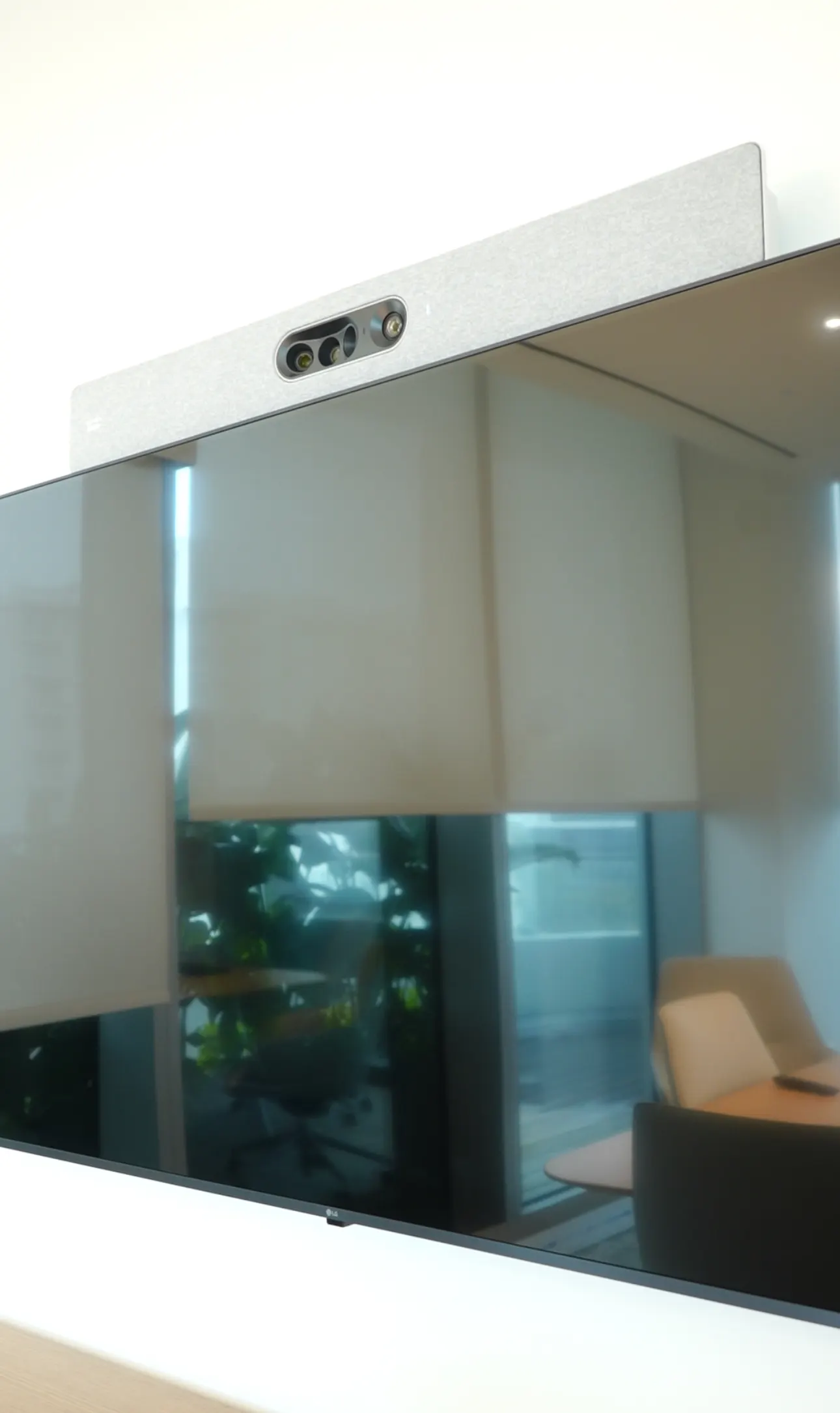
Teams Rooms on Android devices are typically all-in-one video bars that run Teams on the bar itself. Teams Rooms on Windows uses a separate compute unit with peripherals such as cameras, microphones, speakers and a touch console. Both run the core Teams Rooms features; Windows still has some extras.
Microsoft says the gap keeps closing and that new features may reach Windows before Android. Check the current feature comparison before you standardize.
| Feature | Windows | Android |
|---|---|---|
| Typical form | Compute unit plus separate peripherals | All-in-one video bar or board |
| Pin multiple participants | Available | Not available |
| Start recording or transcription from the room | Available | Not available |
| Direct Guest Join | Zoom, Cisco Webex, Google Meet | Zoom, Cisco Webex |
| Connected peripheral health monitoring | Available | Not available |
| Ultra-wide 21:9 display | Available | Not available |
| 4K 16:9 display | Not available | Available |
| Device management | Microsoft Intune, Windows Autopilot | Android (AOSP) device management |
Which Teams Rooms devices fit each room size?
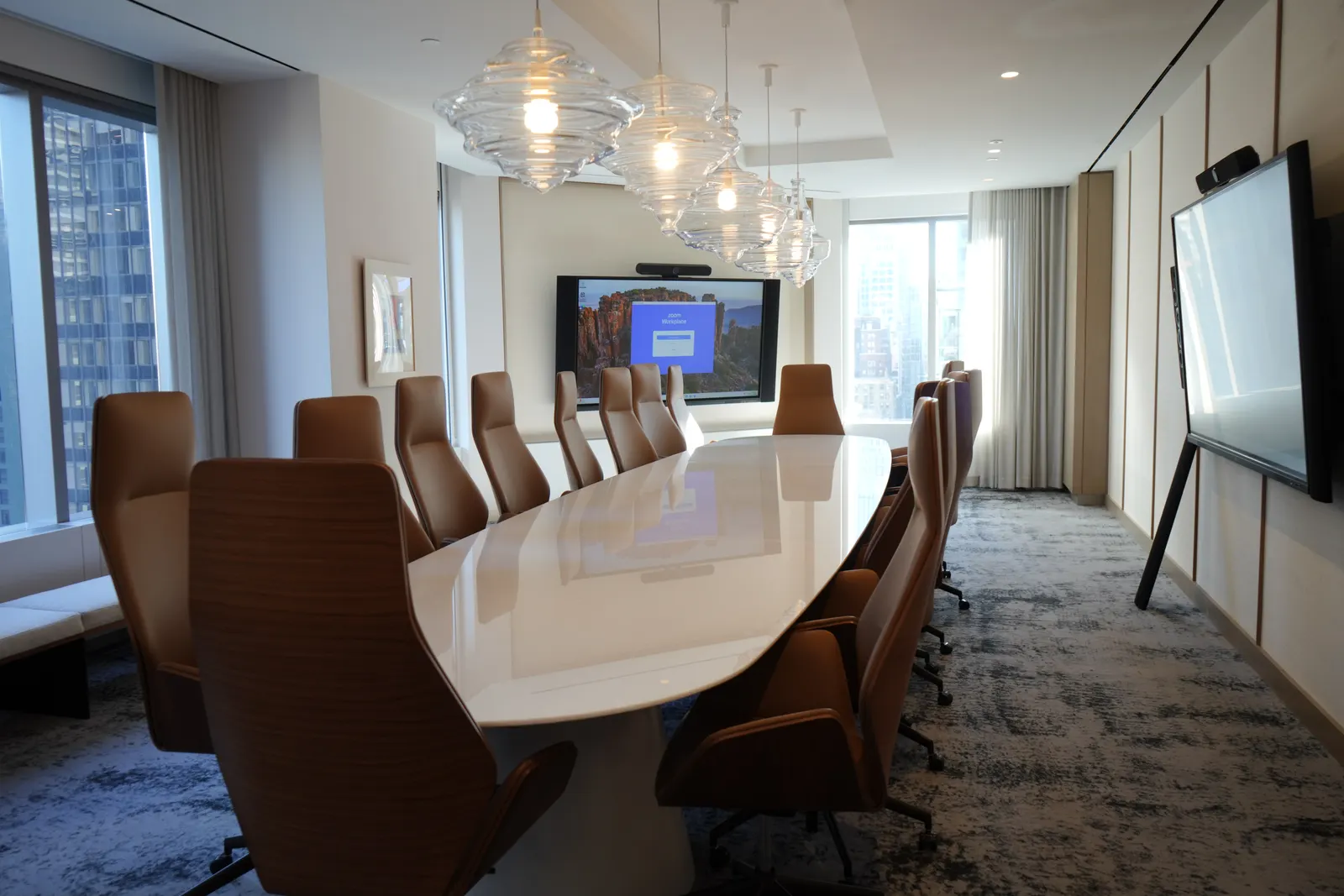
Small and medium rooms are usually best served by a certified Android video bar rated for that room. Large rooms need a larger bar with wide microphone pickup, or a Windows system with separate cameras and ceiling microphones. Multipurpose rooms of 16 or more almost always need a modular Windows system.
The room ratings above are HP's published figures for the Poly Studio X series; HP lists microphone pickup of up to 15, 20 and 25 feet for the X32, X52 and X72. Other makers rate their bars differently, so compare the rated room size and microphone range against your farthest seat. Certification dates change, so confirm each model on Microsoft's Android and Windows lists before ordering.
| Room size (Microsoft) | Typical setup | Certified examples | Manufacturer room rating |
|---|---|---|---|
| Small, 4–6 people | Android video bar and touch console | Logitech Rally Bar Mini, Poly Studio X32, Yealink MeetingBar A20 / A30, Neat Bar Gen2 | Poly Studio X32: rooms about 15 × 10 ft |
| Medium, 6–12 people | Larger Android video bar, often with a second display | Logitech Rally Bar / Rally Bar 2, Poly Studio X52, Yealink MeetingBar A40 / A50, Cisco Room Bar Pro | Poly Studio X52: rooms about 20 × 15 ft |
| Large, 12–16 people | Large dual-camera bar, or Windows compute with separate camera and ceiling mics | Poly Studio X72; Shure IntelliMix Room Kits; Lenovo ThinkSmart Core Full Room Kit | Poly Studio X72: rooms about 28 × 15 ft |
| Multipurpose, 16+ people | Windows compute, multiple cameras, ceiling microphones, DSP | Yealink MVC S-series kits; Crestron Collab Compute systems; Q-SYS RoomSuite | Designed per room |
Do you need Teams Rooms Basic or Teams Rooms Pro?
Teams Rooms Basic comes at no extra cost with certified hardware for up to 25 rooms and covers joining meetings, content sharing and whiteboarding. You need Teams Rooms Pro for dual screens, multi-camera rooms, front row and large gallery layouts, Teams panels, and advanced remote management.
Microsoft also states that Basic licenses cannot license Teams panels, and that licenses beyond the first 25 rooms must be Pro. See Microsoft Teams Rooms licenses. In practice, any room with two displays or more than one camera should be budgeted as a Pro room.
| Feature | Basic | Pro |
|---|---|---|
| Join Teams meetings with one touch | Yes | Yes |
| Direct Guest Join for Zoom and Webex | Yes | Yes |
| Dual screen support | No | Yes |
| Multi-camera support | No | Yes |
| Front row and large gallery (up to 50 videos) | No | Yes |
| Room check-in with Teams Panel | No | Yes |
| Remote configuration, health alerts, device analytics | No | Yes |
| Maximum number of licenses | 25 | Unlimited |
What else decides whether a Teams Room works?
The device is only part of the room. Display size, microphone coverage at the far end of the table, room acoustics, camera height and the network decide whether remote participants can see and hear clearly.
Check these before ordering hardware
- Farthest seat: measure it and compare against the device's rated microphone pickup and camera field of view.
- Display size: size the screen for the back row using AVIXA's display image size standard.
- Acoustics: hard glass walls and bare floors make any device sound worse; plan soft surfaces where you can.
- Network: wired Ethernet, PoE for consoles and panels, and Microsoft's network guidance for Teams.
- Management: decide who monitors rooms after handover and whether you need Pro management.
If the room is near the edge of what a single video bar can cover, read our guide to video bars vs modular conference systems. For full deployments, see our Microsoft Teams Rooms installation service.
Frequently Asked Questions
What is the best Teams Rooms device for a small huddle room?
For a small room of 4 to 6 people, a certified Android video bar with a touch console is usually the best fit. It puts the camera, microphones, speakers and Teams software in one unit above or below the display, which keeps installation and management simple. Check the maker's rated room size first.
Should we choose Teams Rooms on Android or Windows?
Choose Android for simple, consistent small and medium rooms rolled out at scale. Choose Windows for large or complex rooms that need separate cameras, ceiling microphones, peripheral health monitoring, ultra-wide displays or recording from the room. Many organizations run both, matched to room type.
Is Teams Rooms Basic enough?
For single-display rooms with one camera, often yes. Basic is free with certified hardware for up to 25 rooms and covers joining meetings, sharing content and whiteboarding. Rooms with dual displays, multiple cameras, Teams panels or a need for remote management require Teams Rooms Pro.
How do I know if a device is certified for Teams Rooms?
Check Microsoft's certified lists on Microsoft Learn: one for Teams Rooms on Android devices and one for Teams Rooms on Windows systems and peripherals. The Android list also shows certification end dates. Buying uncertified hardware risks missing features and support.
Can a Teams Room join Zoom or Webex meetings?
Yes, through Direct Guest Join. Microsoft lists Zoom and Cisco Webex for both platforms, and Google Meet on Windows. Guest join works differently from a native meeting, so test the platforms your clients use most before standardizing your rooms.
Do I need ceiling microphones in a Teams Room?
Not in most small and medium rooms, where a video bar's built-in microphones reach every seat. Large rooms, long tables and multipurpose spaces usually need ceiling or table microphones so people at the far end are heard as clearly as those near the display.
Match certified hardware to the room
Start with Microsoft's room sizes and certified lists, pick Android or Windows for each room type, and budget Pro licenses for any room with two displays or several cameras. Then check the device's rated room size against your farthest seat.
If you are standardizing Teams Rooms across a New York office, we can survey your rooms and recommend certified hardware for each one.
Scope note: Building code, accessibility and licensing requirements vary by project, building and jurisdiction and change over time. This article is general information for planning purposes. Confirm requirements with the authority having jurisdiction, your licensed design professionals and the platform vendor before making decisions.
References
- Teams Rooms on Android certified devices — Microsoft Learn
- Teams Rooms certified systems and peripherals — Microsoft Learn
- Understand differences between Microsoft Teams Rooms on Android and Windows — Microsoft Learn
- Teams Rooms on Windows and Android feature comparison — Microsoft Learn
- Microsoft Teams Rooms licenses — Microsoft Learn
- Poly Studio X series all-in-one video bars — HP
- Poly Studio X72 — HP
- Display Image Size for 2D Content in Audiovisual Systems — AVIXA
- Prepare your organization's network for Microsoft Teams — Microsoft Learn
References verified and re-checked at each scheduled review. Read our editorial policy.